Blog
The problems crews deal with every day, and how to fix them.
 Your customer conversations belong to your company, not to a phoneWhen customer texts live on personal phones, they leave when people leave. How to keep every conversation, photo and promise with the business.Read it →
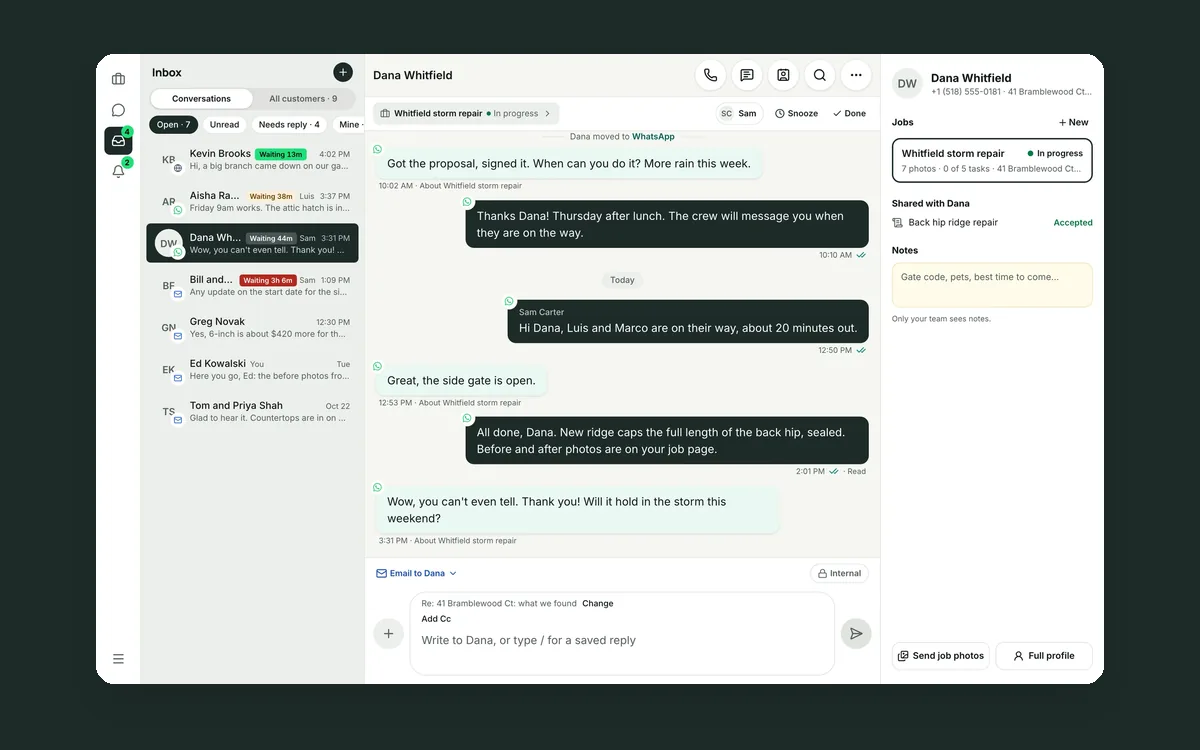
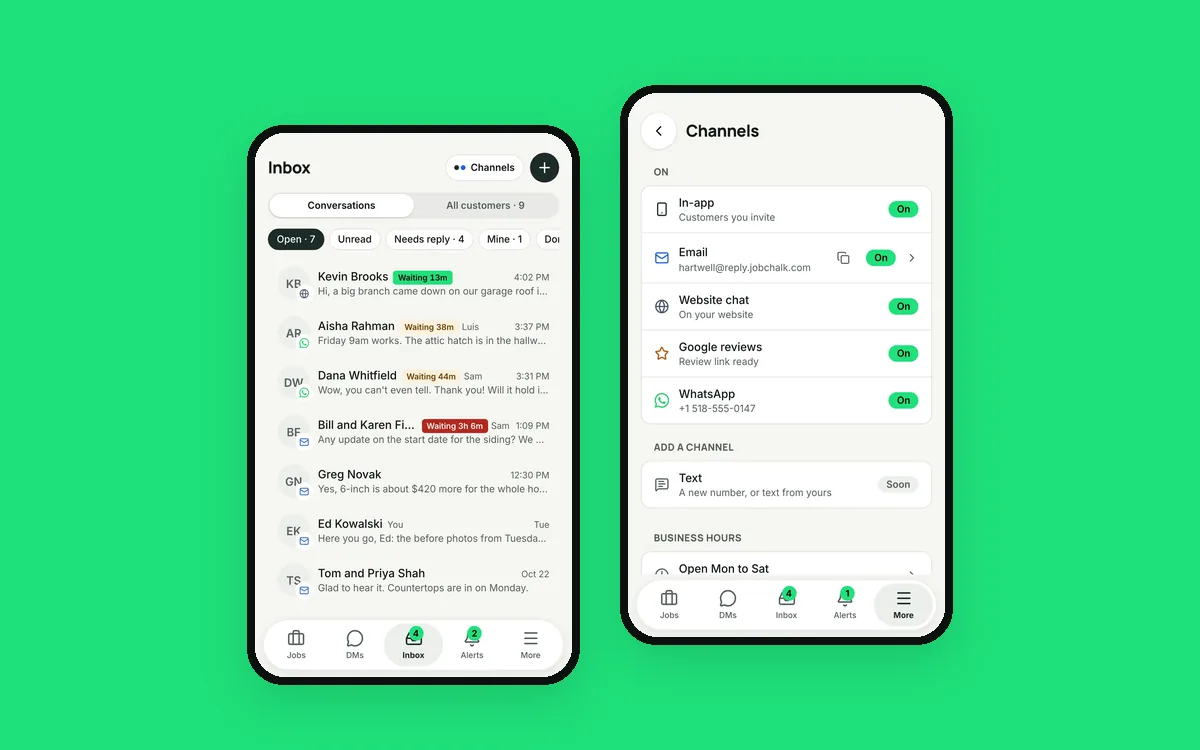 Your customers use six apps. Your team needs one inbox.Texts, email, WhatsApp, Messenger, Instagram, website chat and Google reviews in one conversation per customer that your whole team can answer.Read it →
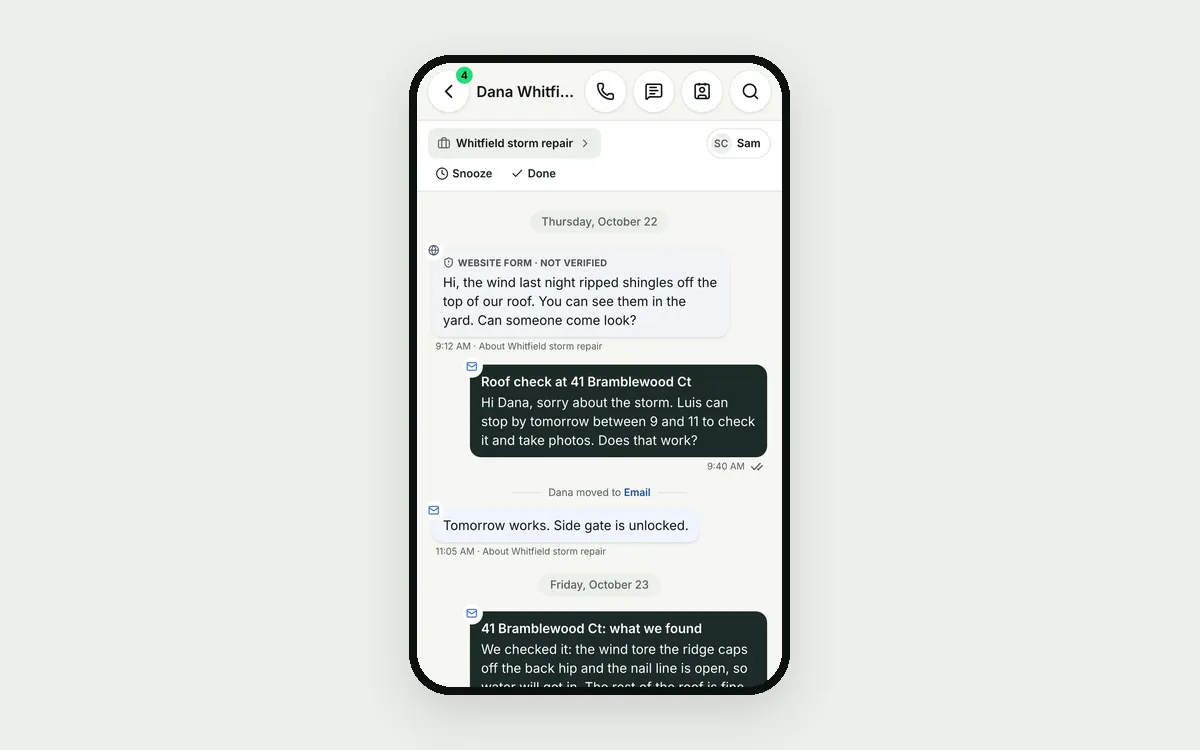 Your customer is talking to four different peopleThe owner emails, the crew lead texts, the office answers on WhatsApp. How to give every customer one conversation your whole team can see.Read it →
 One customer, five people on your team, one conversationThe estimator, the office, the crew lead and the owner all talk to the same customer. How to keep one history and one company voice.Read it →
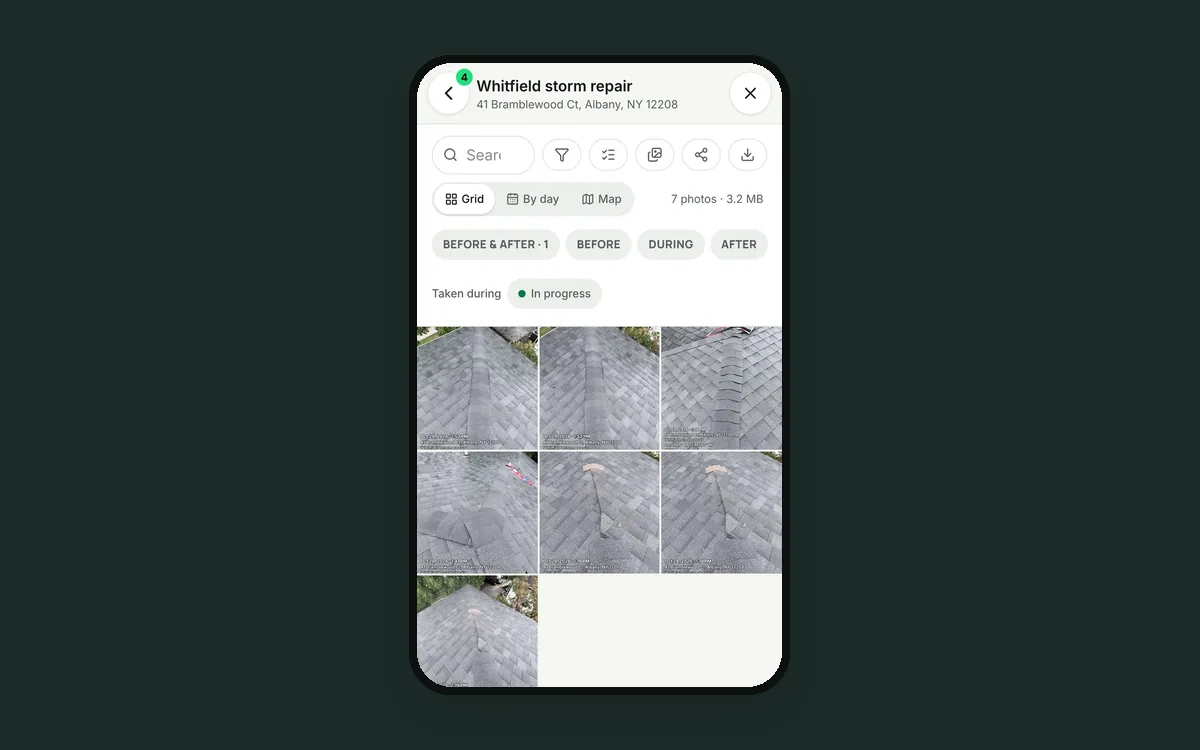 Stop chasing your crew for job photosJob photos spread across crew phones means hours of asking, renaming and sorting. How to get every photo filed under its job the moment it's taken.Read it →
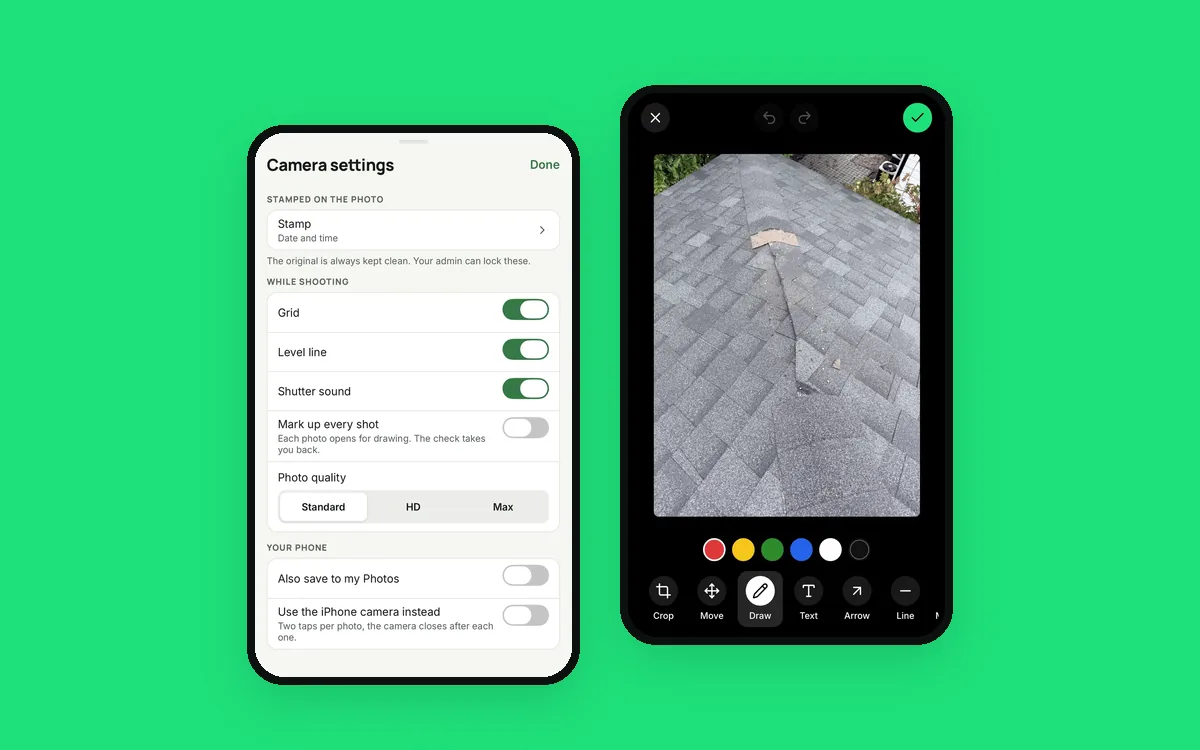 Your crew's phone camera wasn't built for a job siteWhy crews don't take enough useful job photos, and what a camera built for the job does differently, from talking a note to marking up the damage.Read it →
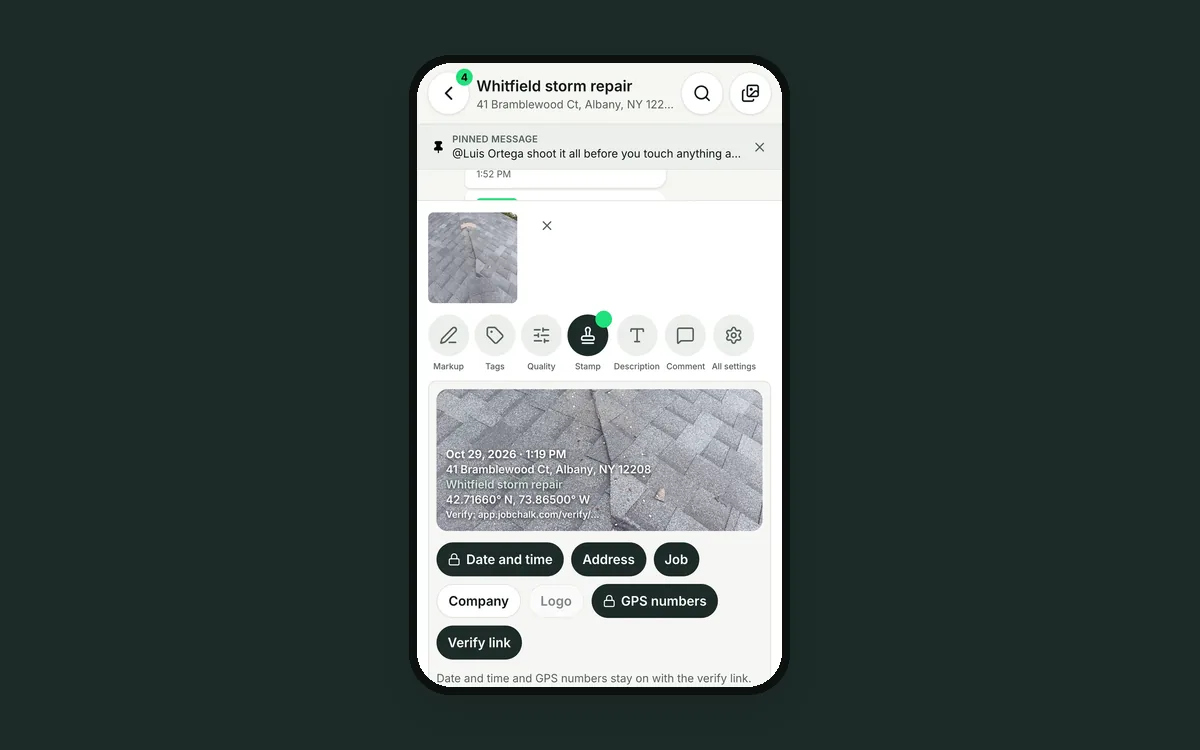 A date stamp on a photo isn't proof. A verify link is.Any app can print any date on a photo. How a verify link lets an adjuster or customer check when and where a job photo was taken, and that it wasn't changed.Read it →
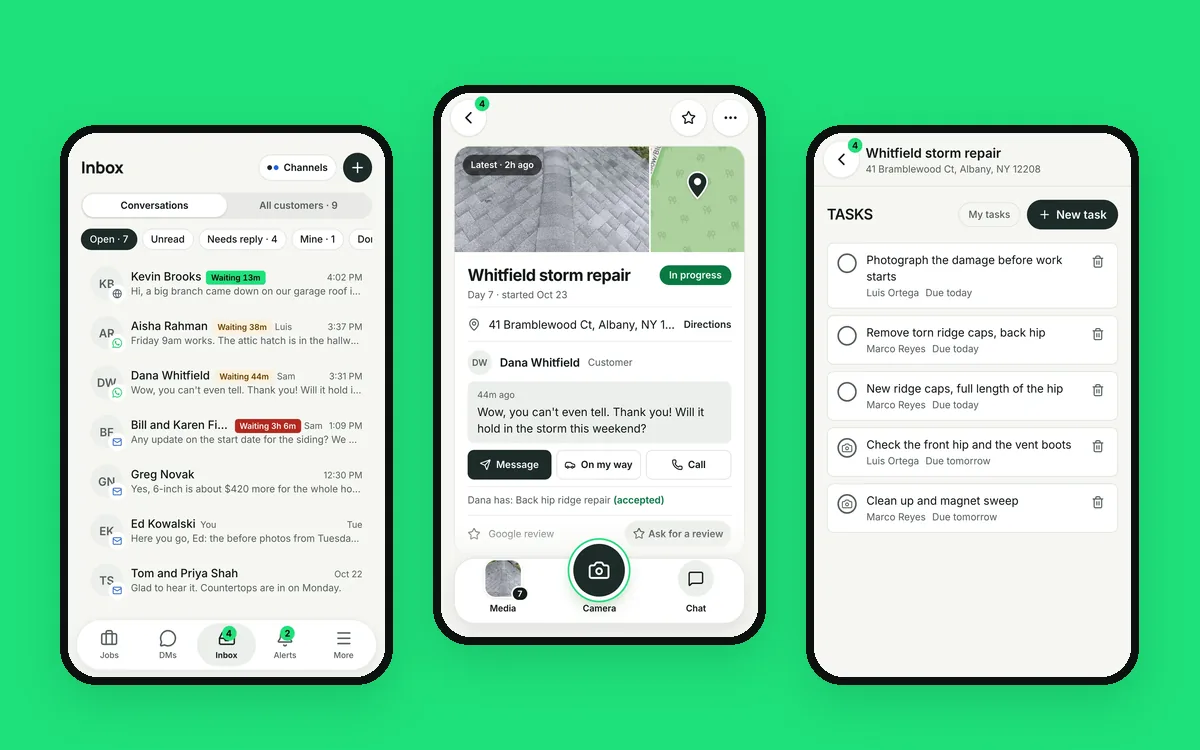 Six apps for one job is five too manyA photo app, a group text, a review tool, a task app, an estimate tool and a time clock. What it costs a crew, and how to run the whole job in one app.Read it →
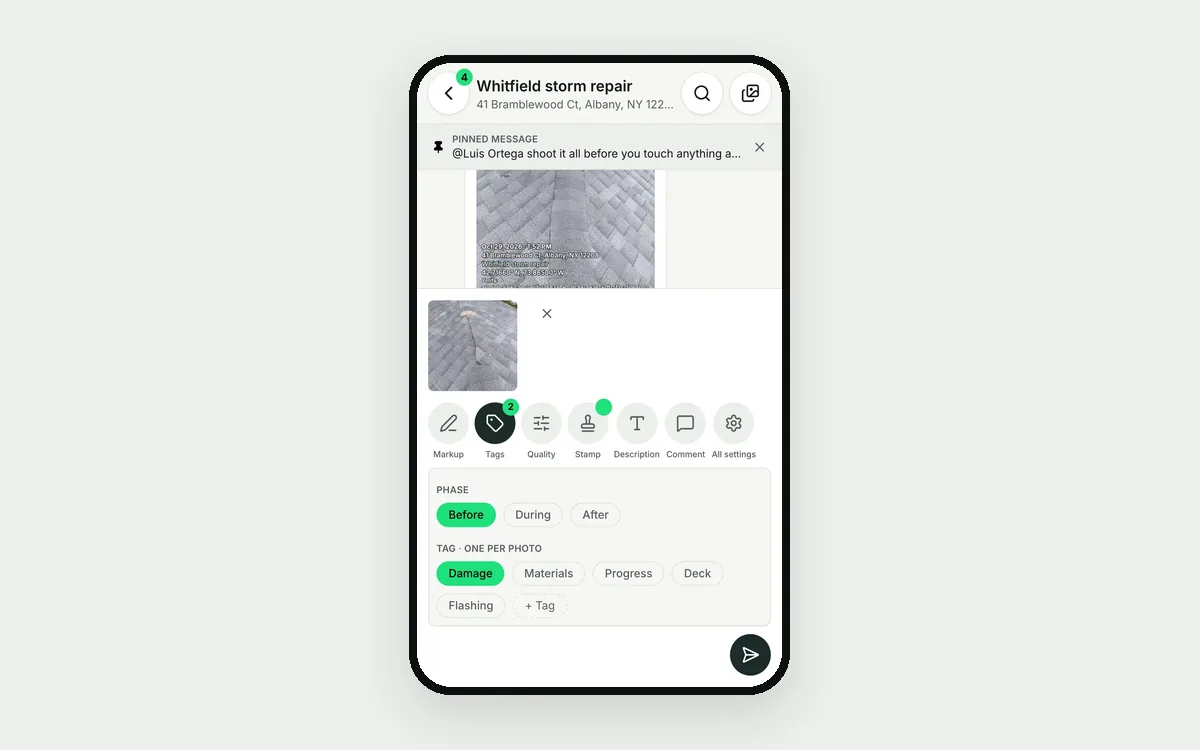 Job site photos without the camera roll messWhat to shoot on every job, how to label it, and where to keep it so photos never live only on someone's phone.Read it →
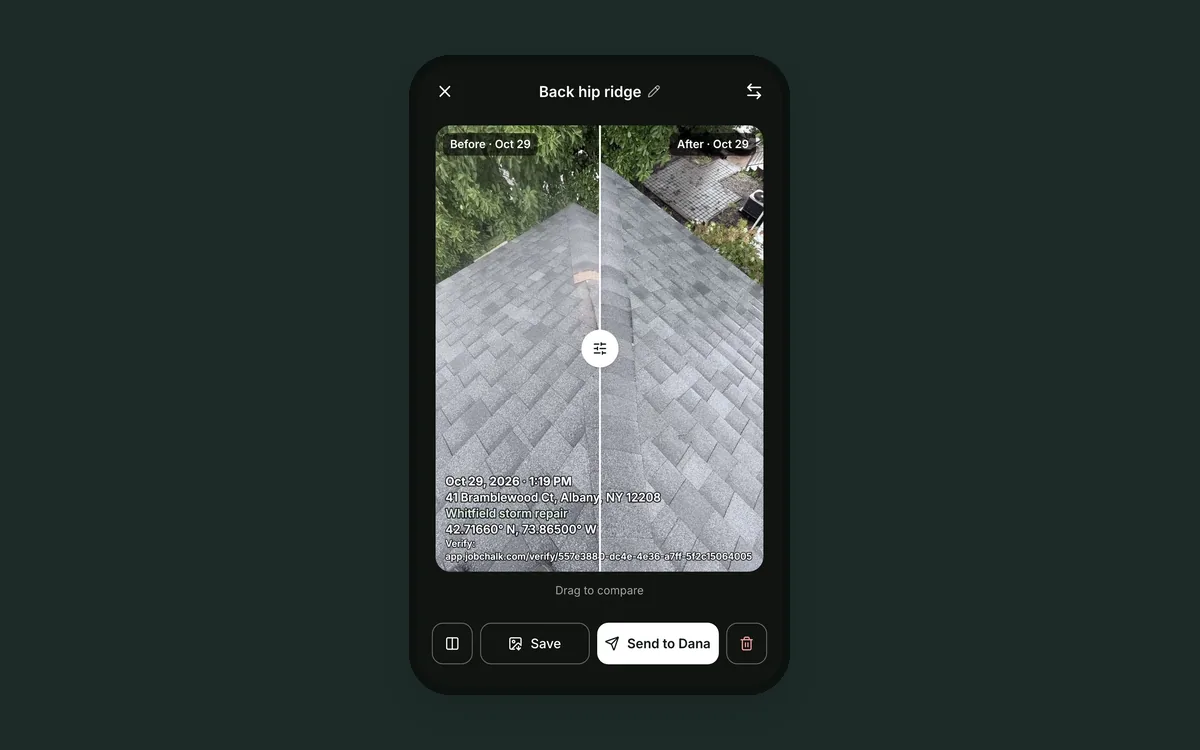 Before and after photos that win the next jobHow to shoot the same spot twice so the difference is obvious, and where to use the photos.Read it →
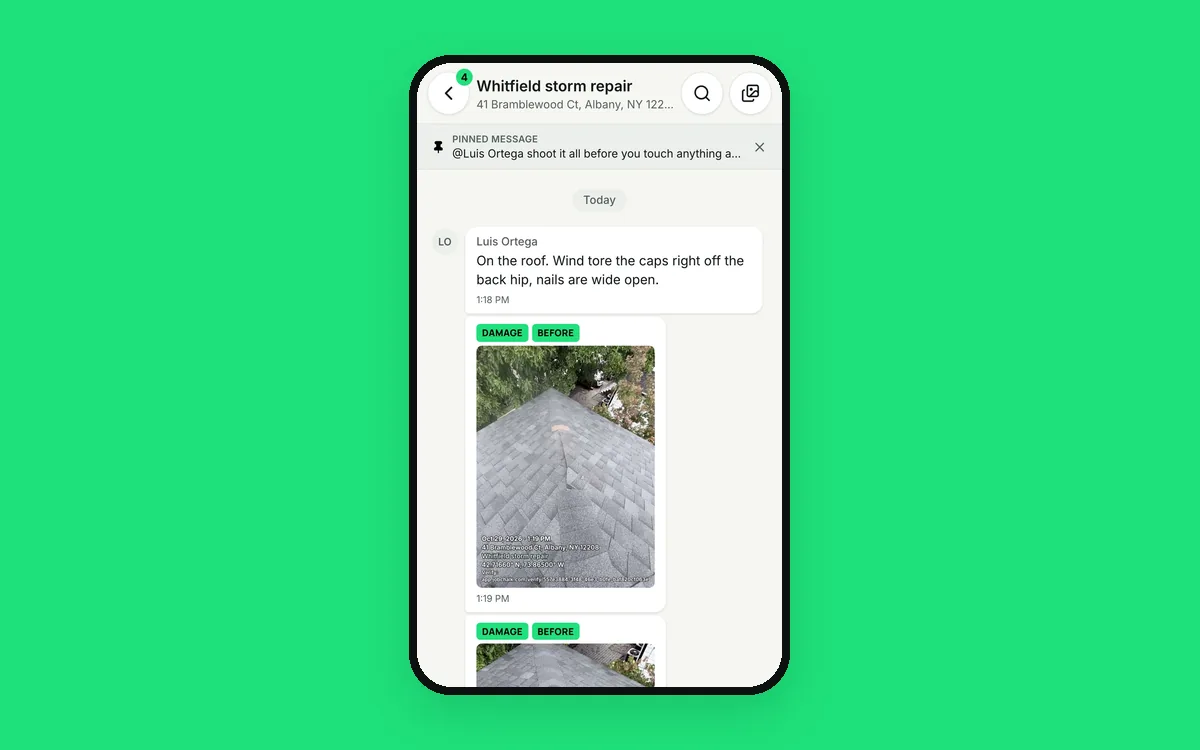 Get your crew's job chat out of WhatsApp and group textsGroup texts mix jobs and family, vanish with a phone and can't be controlled. How a chat per job, kept by the business, fixes that.Read it →
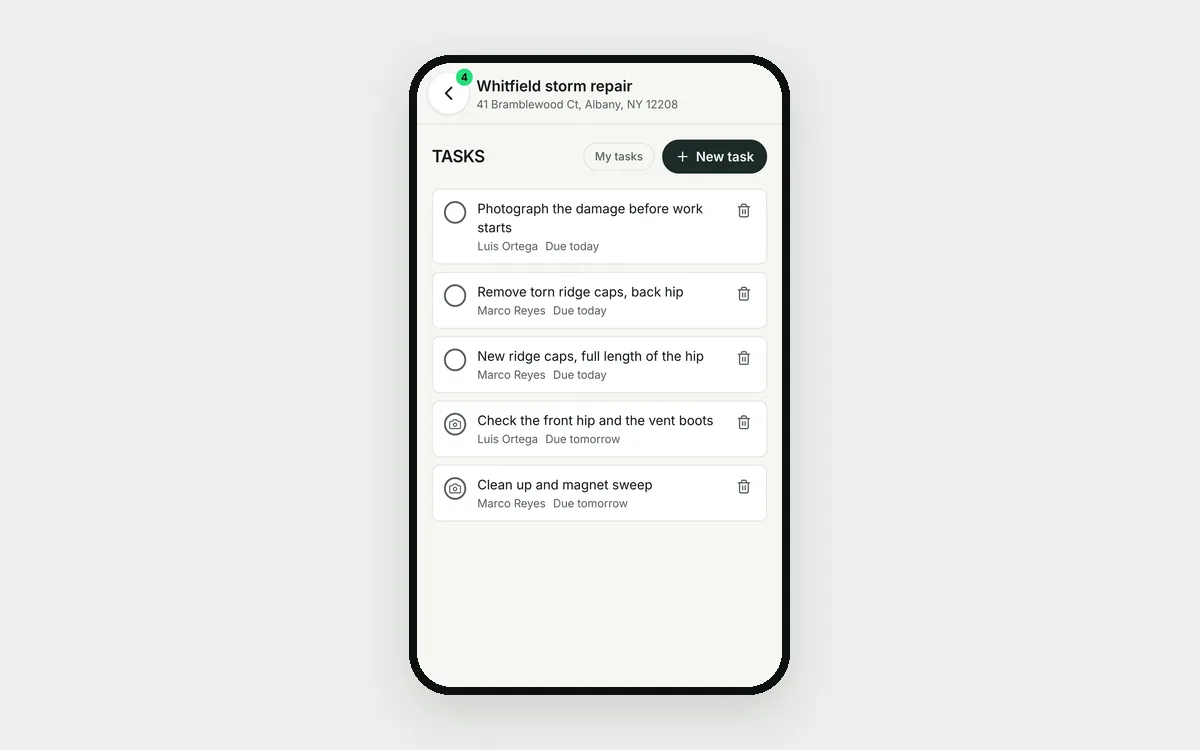 Tasks and checklists that live inside the jobWhen tasks sit in a separate app, crews skip it and "done" has no proof. How to assign work from the job and get a photo when it's finished.Read it →
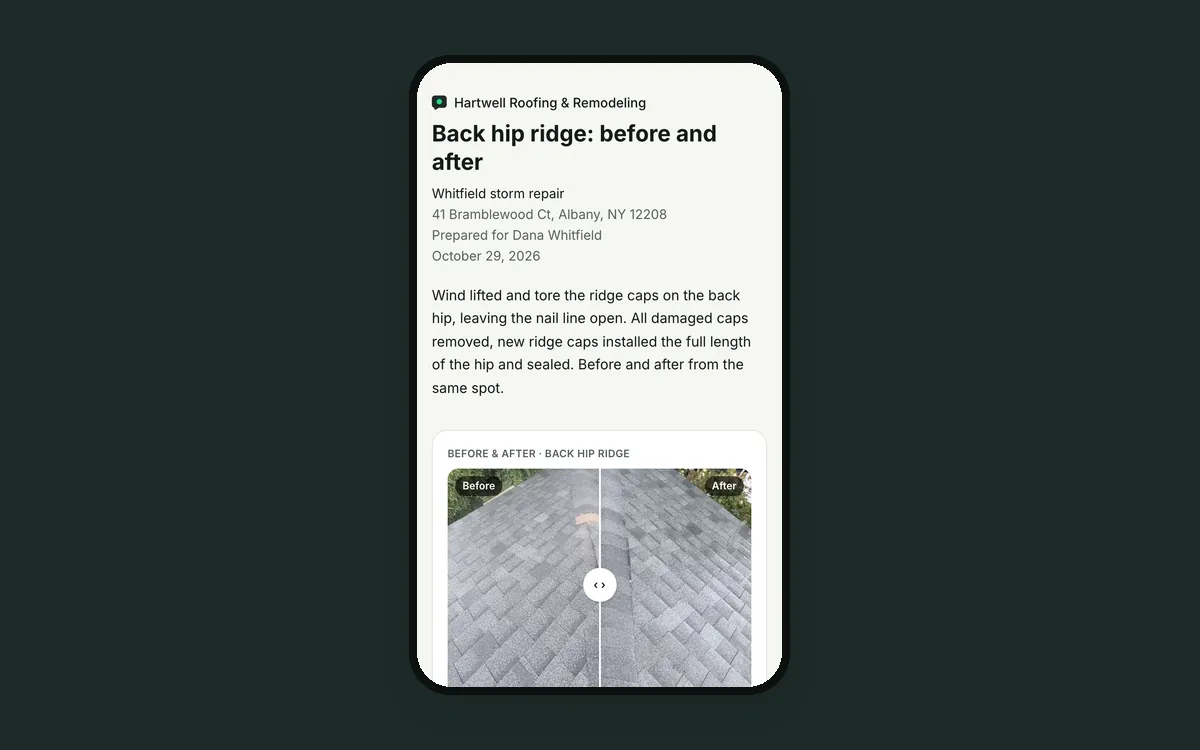 Send the customer a job report before you leave the drivewayCustomers want to see the work and insurers want proof. How to turn today's job photos into a report or daily log in a minute.Read it →
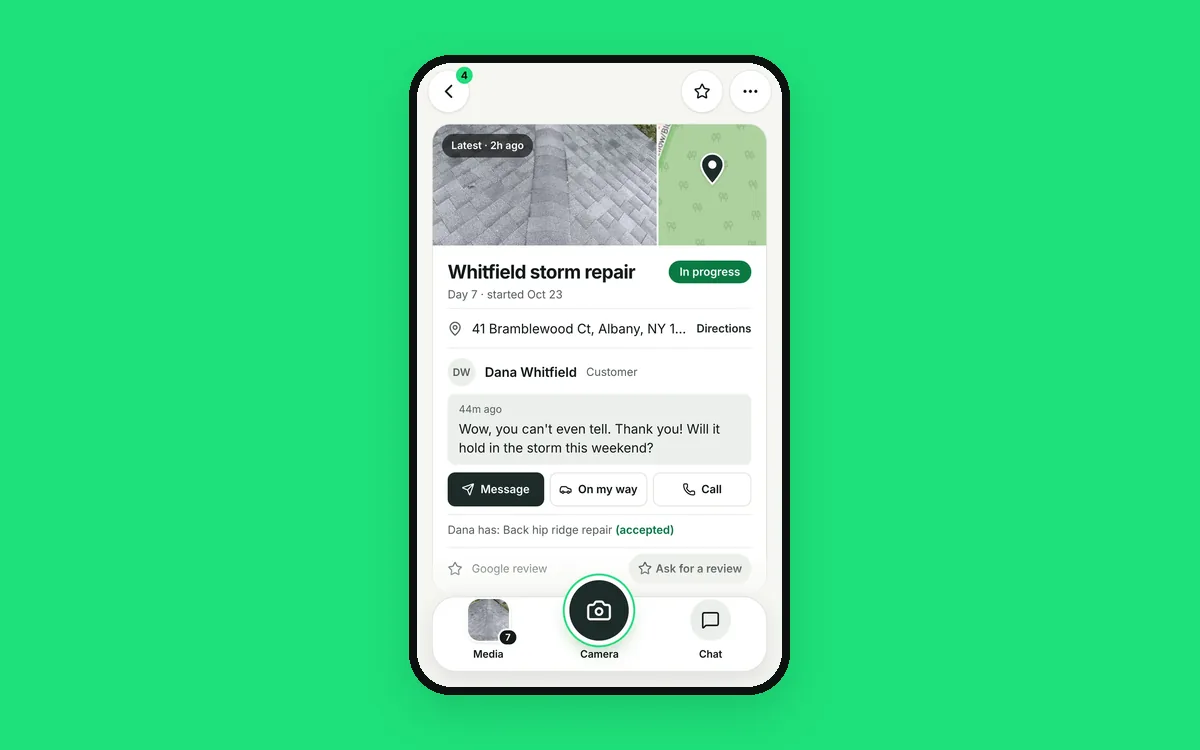 Your Google reviews are your next customersNew customers pick a contractor by reading reviews and your replies. How to ask every customer, answer every review and catch a bad one the same day.Read it →
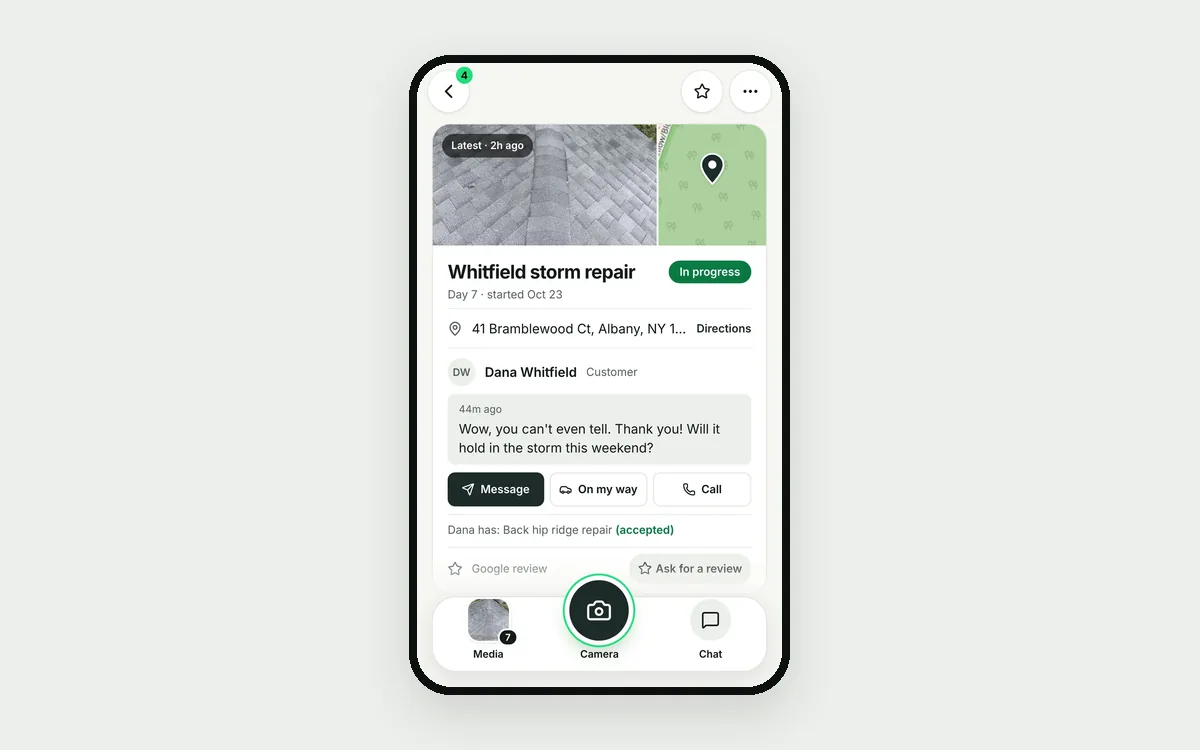 How to get more Google reviews, without naggingWhen to ask, what to send, and how to follow up without being pushy.Read it →
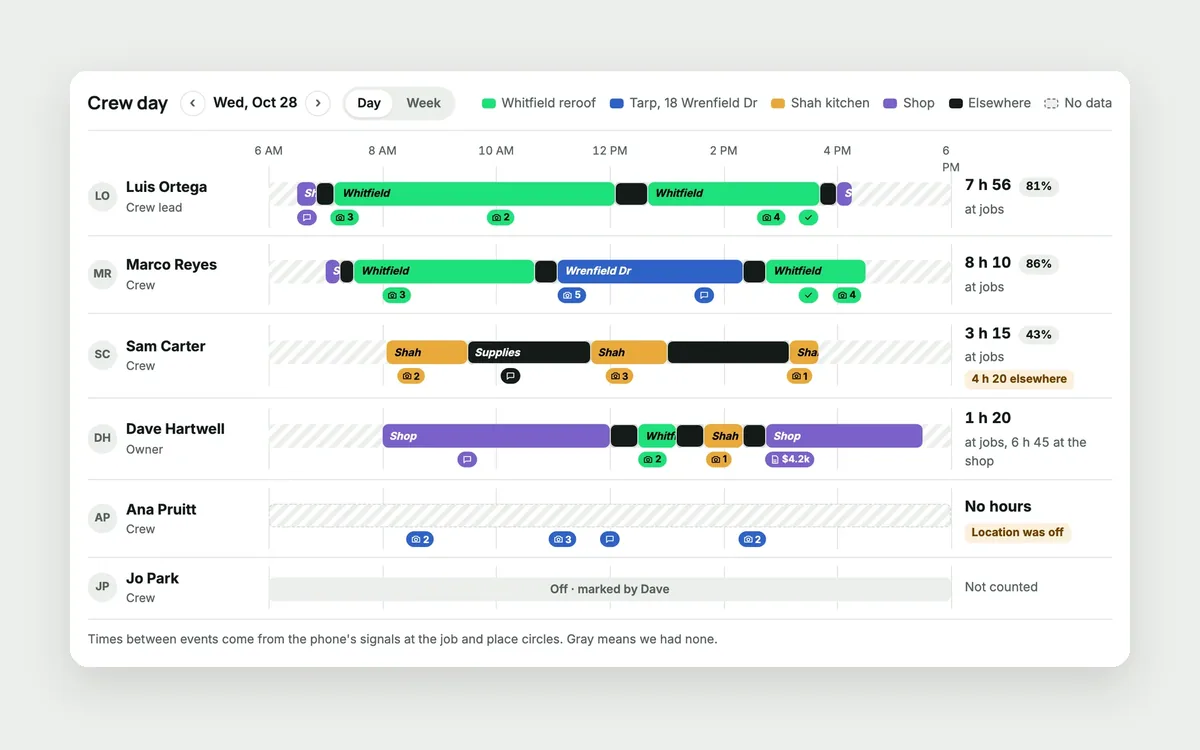 Know who's at which job, without tracking your crewA paper timesheet tells you hours, not where the day went. How to see each job's crew and hours with a clock in on site and no tracking off the clock.Read it →
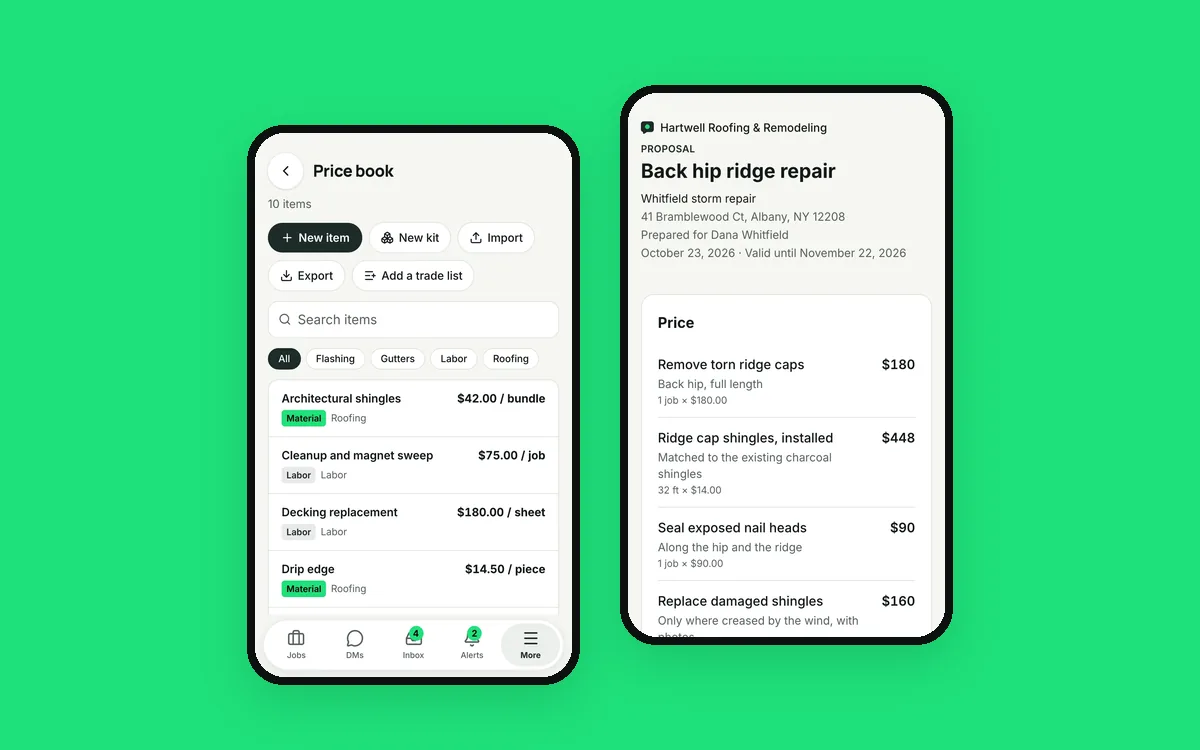 Estimates built from the job, signed on the customer's phoneRetyping a walkthrough into a separate estimate tool costs you days. How to price from your own price book and get it signed the same afternoon.Read it →
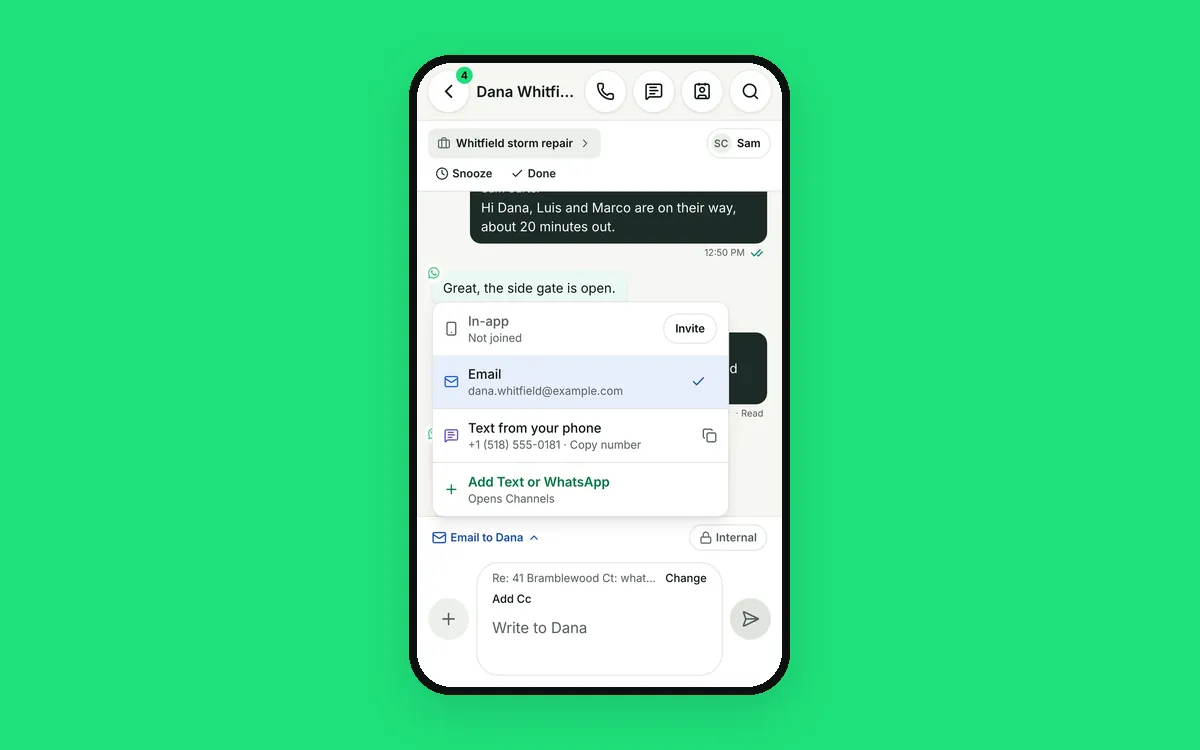
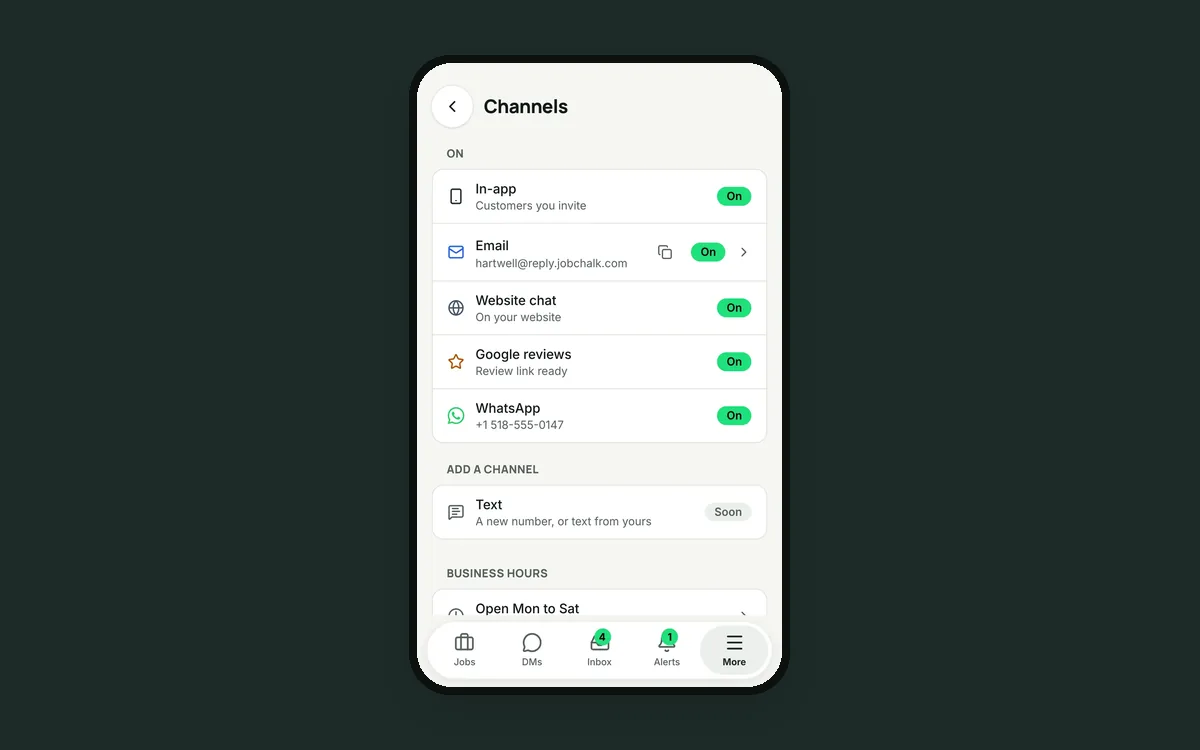 Why your WhatsApp reply to a customer didn't go throughWhatsApp gives a business 24 hours to reply freely. How JobChalk shows the clock, warns you before it closes and still reaches the customer after.Read it →