Blog · November 1, 2026
Your Google reviews are your next customers
A homeowner with a leaking roof searches Google and finds two roofers. One has 140 reviews, and the owner has answered every one. The other has 11 reviews, and the newest is two stars from last spring, with no reply. She calls the first one.
The second roofer never knew the two-star review was there.
Why reviews are leads
Reviews aren't a thank-you note. They are where your next customer decides who to call. Three things matter:
- How many, and how recent.
- How you answer, especially the bad ones.
- How fast you notice a problem.
Most crews lose on all three for the same reason: asking, checking and answering live in a separate tool nobody opens.
How JobChalk solves it
Reviews live in the same place as the rest of the customer's history: her conversation in the Inbox.
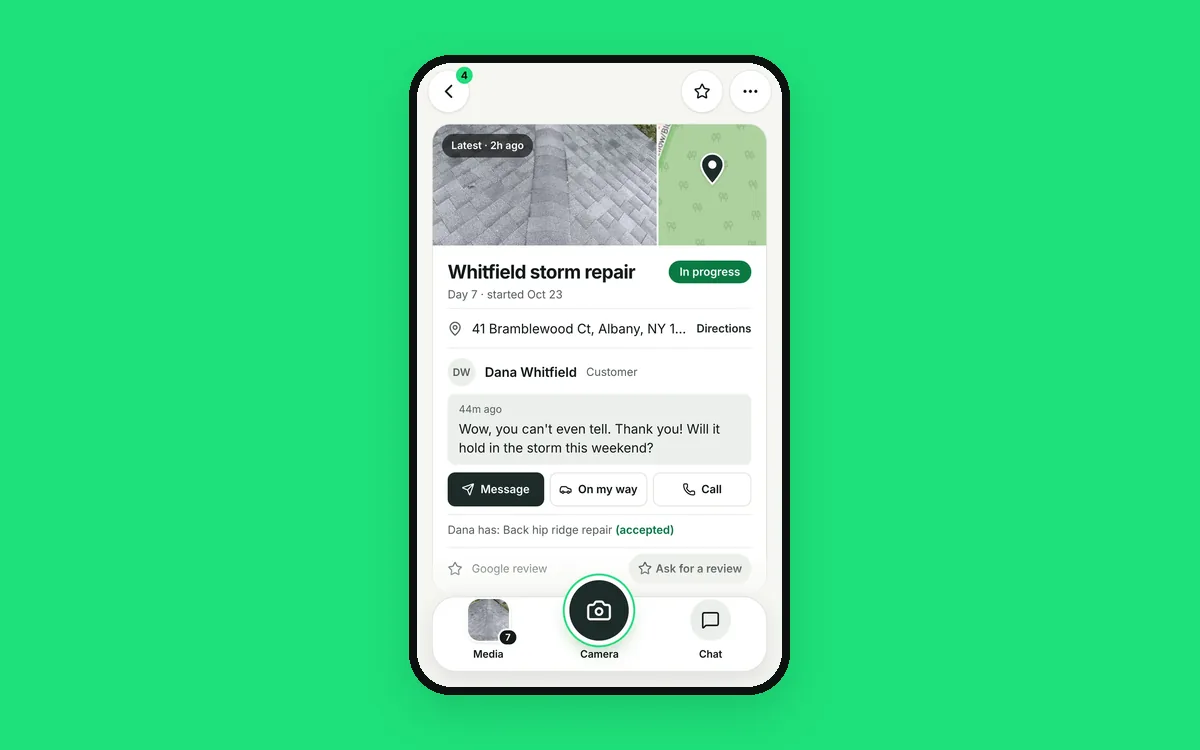
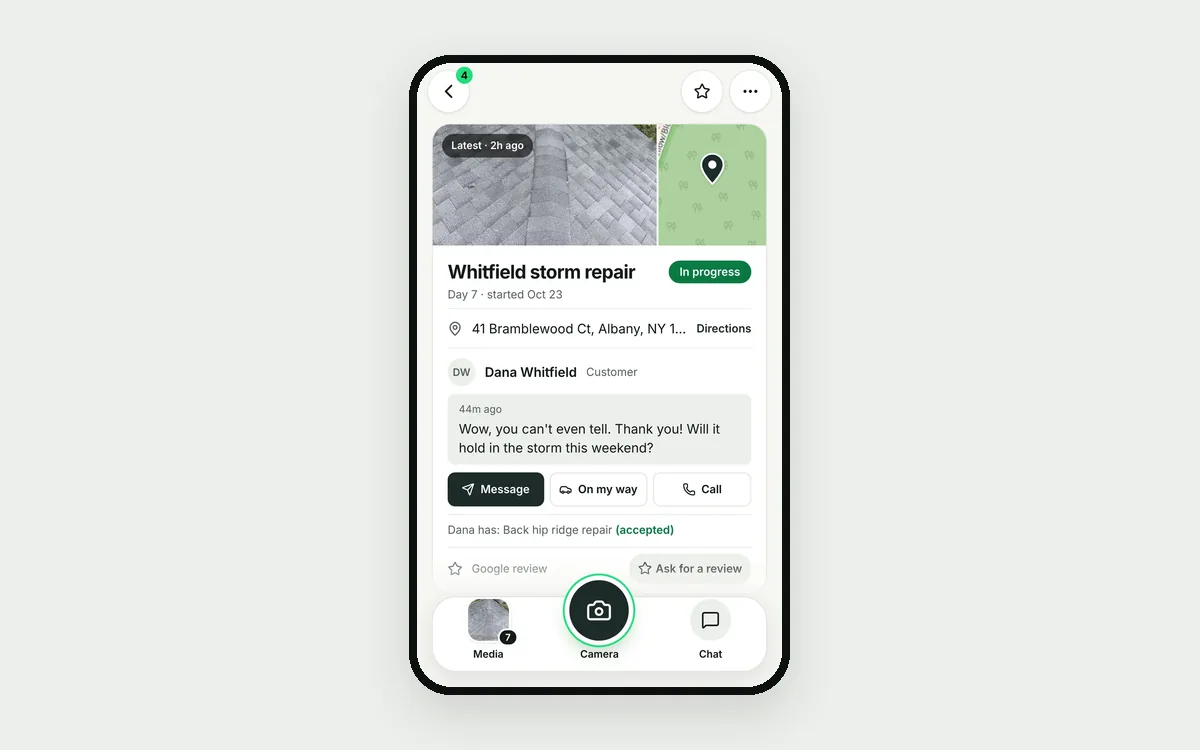
Ask every customer. When a job is marked done, JobChalk sends the ask 2 hours later, on the app the customer uses with you, with a short link to your Google review page. Or ask with one tap from the job or her conversation. No texts between 9 PM and 9 AM.
Follow up without nagging. Up to 2 reminders, on day 3 and day 5. They stop the moment she opens the link. Never twice for the same job, and at most once every 90 days per customer. The job shows where it stands: "Asked Oct 29, Opened."
Same link for everyone. JobChalk never steers unhappy customers away from Google. Everyone gets the same link. Filtering who gets asked is against Google's rules, and customers can tell.
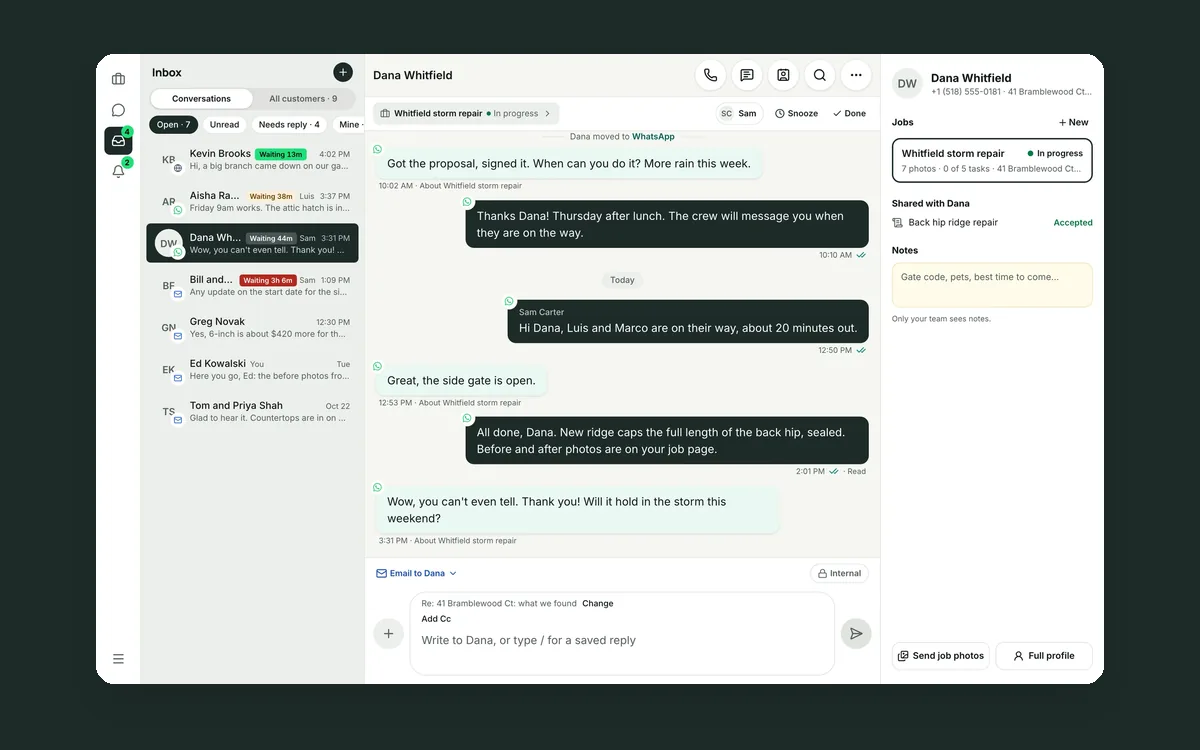
Every review in the customer's conversation. When Dana leaves five stars, the review lands in her thread, next to the photos and the estimate. Post your reply from there, and edit or delete it later if you need to. The person answering can see the whole job before they write.
Catch the bad ones fast. A review of 1 to 3 stars sends an alert to whoever you pick. A calm, specific reply the same day is often the best ad you'll get.
More places to be found. Google comes first. You can also add links to Facebook, Nextdoor, Houzz, Angi, BBB and Thumbtack, and choose "Google only" or "let them pick." Print a QR card to leave at the job. Your rating and review count sit on the Reviews screen.
When the next homeowner compares two roofers, you want to be the one with fresh reviews and an answer under each.
 How to get more Google reviews, without nagging
 Your customer conversations belong to your company, not to a phone
 Your customers use six apps. Your team needs one inbox.