Blog · October 31, 2026
How to get more Google reviews, without nagging
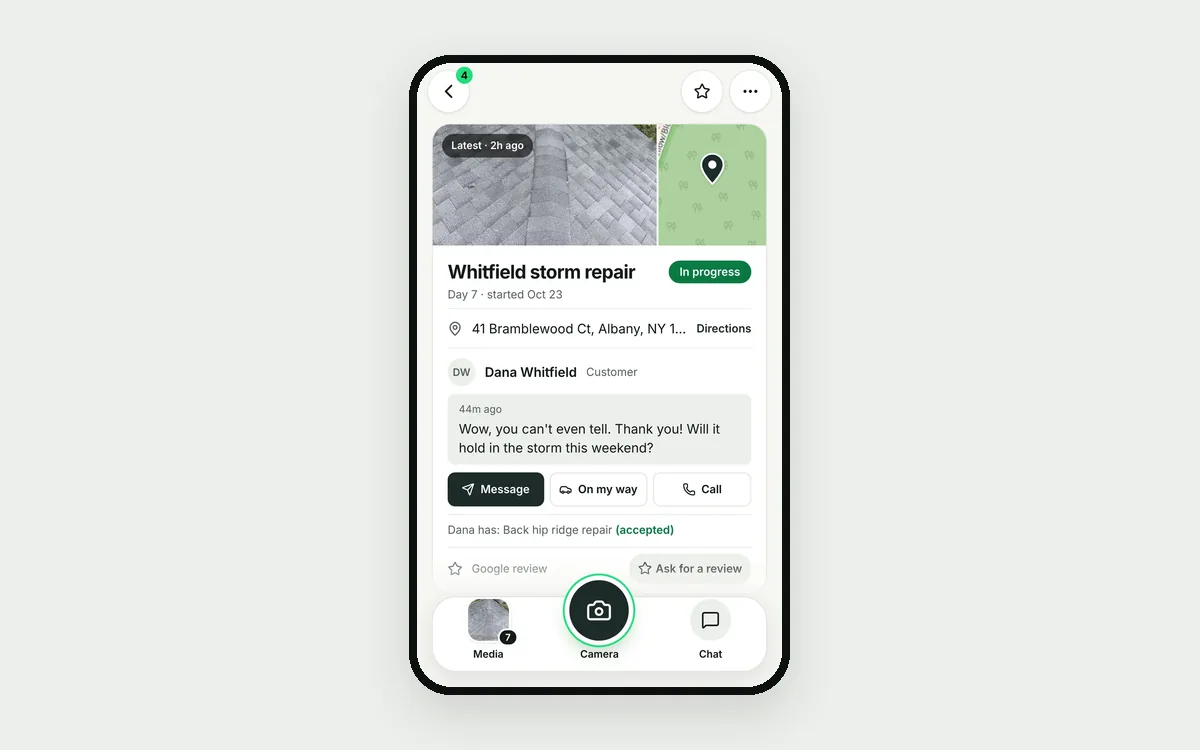
When someone searches "roofer near me", the company with 140 reviews beats the one with 9. Most happy customers would leave a review. They just never get asked at the right time.
Ask when the job is done
The best moment is a few hours after the job is finished, while they're looking at the result. A week later is too late.
Make it one tap
Send a link that opens your Google review page. Use the app they already use with you. Keep it short:
Thanks again, Dana. If you're happy with the roof, a quick Google review helps us a lot: (link)
Remind once or twice, then stop
One or two reminders a few days apart is fine. Stop once they open the link. Never ask twice for the same job.
Answer every review
A short thank-you on good ones. A calm, specific answer on bad ones. New customers read your replies.
How JobChalk does it
JobChalk asks when the job is done, with a short link on the customer's own app. It sends up to 2 reminders and stops once they open the link. Reviews land in your inbox, so you can reply from there, and a bad review alerts you right away.
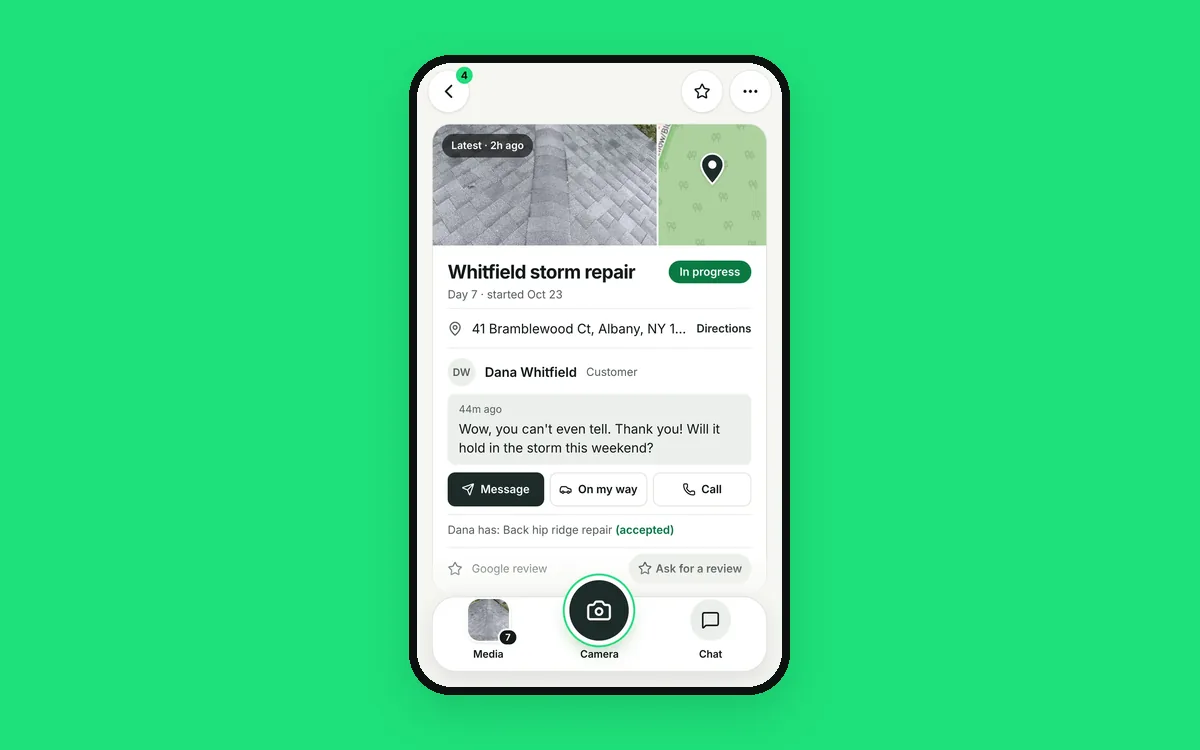 Your Google reviews are your next customers
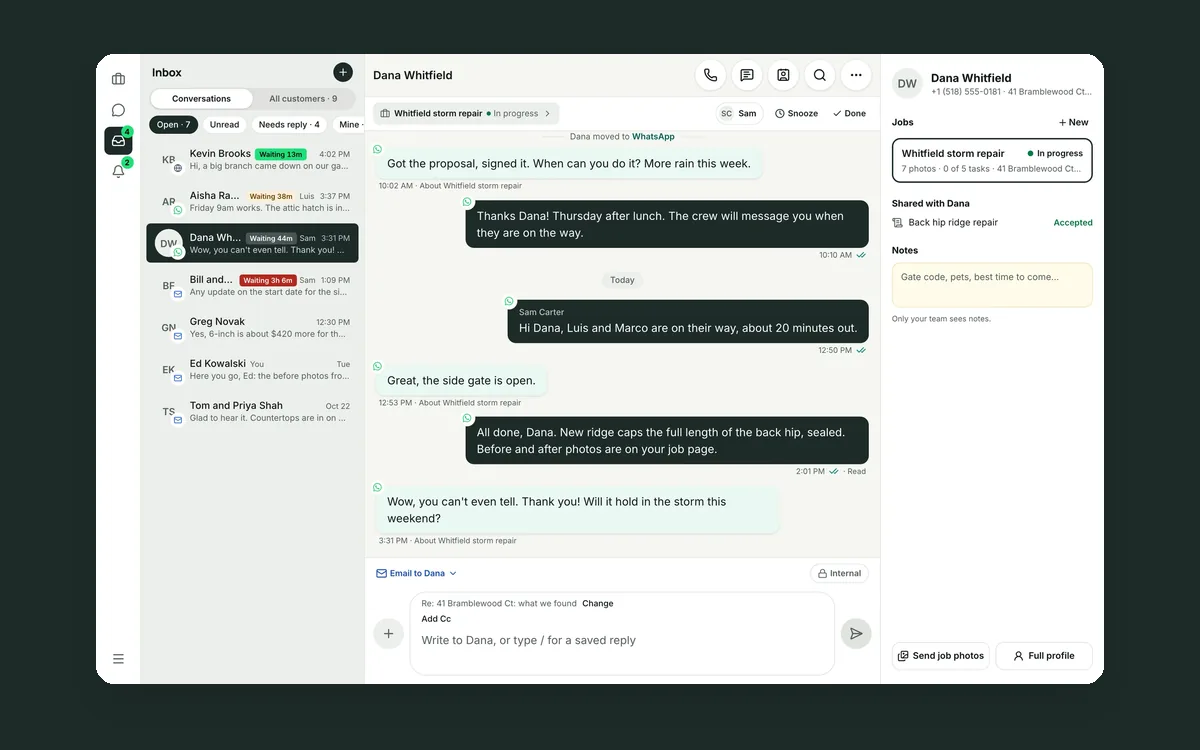 Your customer conversations belong to your company, not to a phone
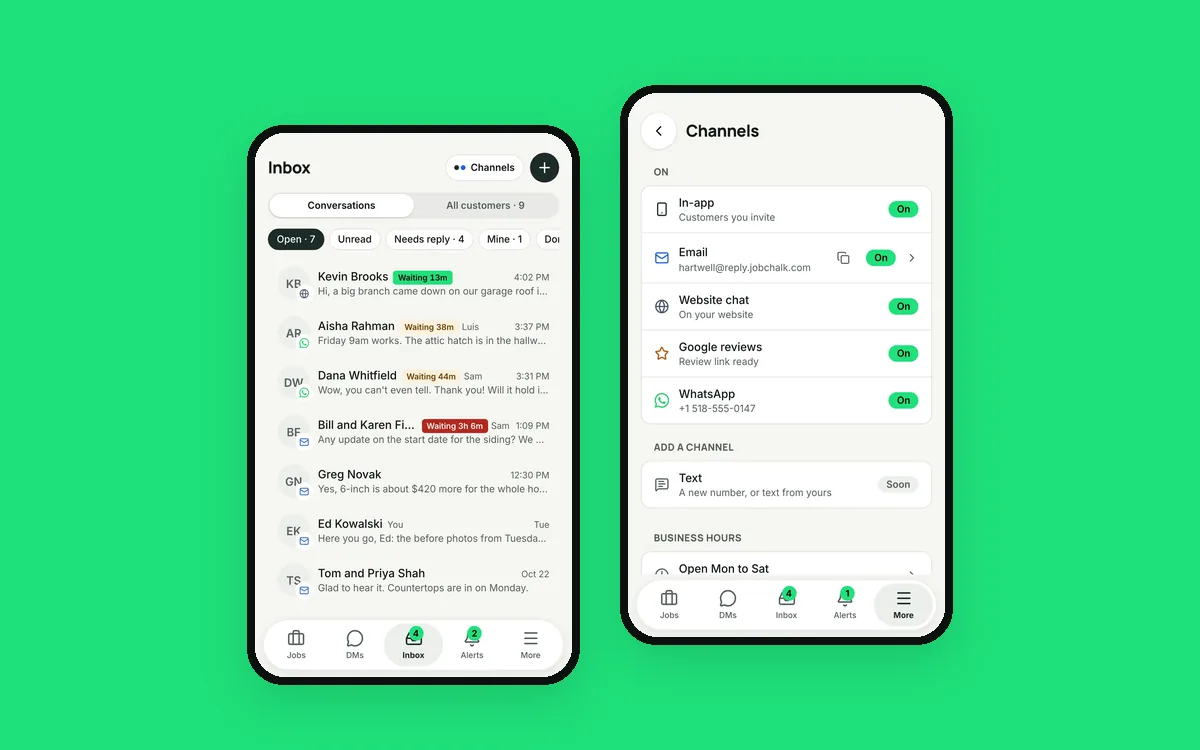 Your customers use six apps. Your team needs one inbox.