Blog · November 1, 2026
Your crew's phone camera wasn't built for a job site
Marco finds soft decking on the north slope. He takes three photos with his phone and keeps working. Back at the office, nobody knows which side of the house it was, how big the soft spot is, or why he took them. The next day his phone storage is full, so he takes none.
Why crews don't shoot enough, or shoot the wrong things
- It's slow. Gloves off, open the camera, take the shot, switch apps to send it, back to work.
- It's personal. Job photos pile up in the same camera roll as family pictures.
- Phones fill up. A month of jobs and there's no room left.
- A photo can't explain itself. No note, no arrow, no measurement, so the office has to guess.
- Nobody knows what to shoot. Without a list, the shots that matter get missed.
How JobChalk solves it
JobChalk has its own camera, made for the job.
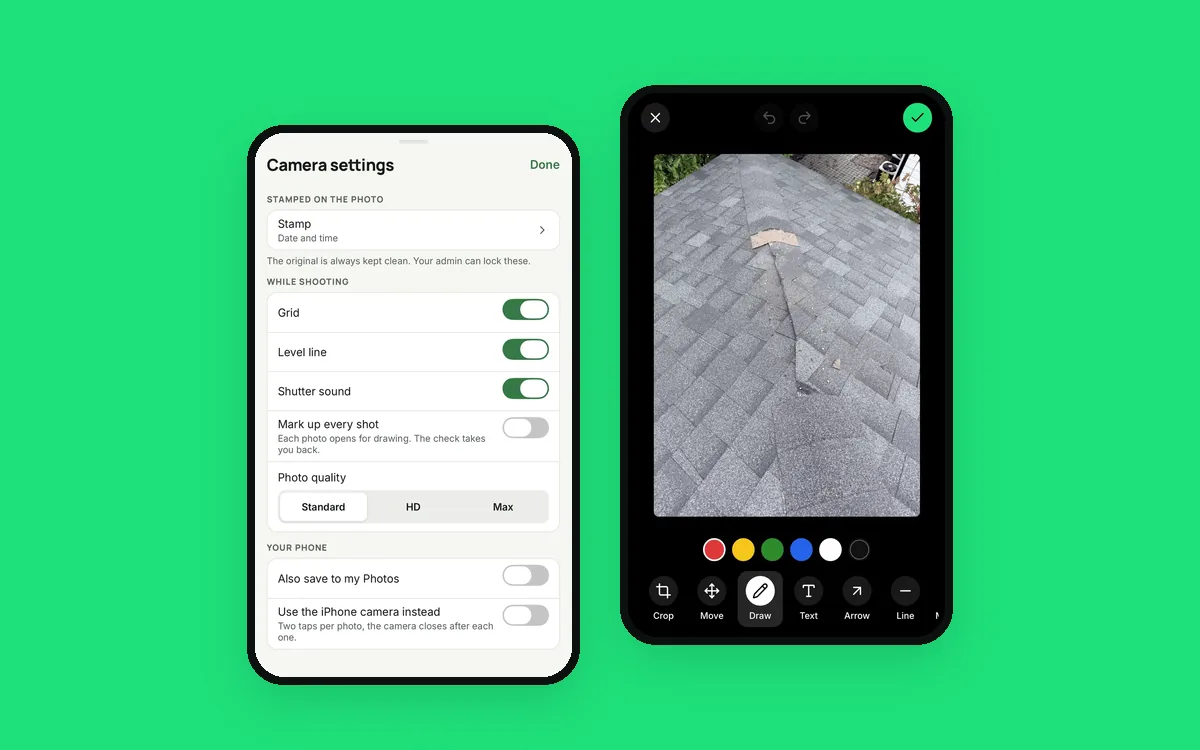
Fast with gloves on. It stays open, one tap per shot, with big buttons. Flash, 0.5x, 1x and 2x, a grid and a level. It opens on the job you're standing at.
Talk instead of type. Hold the shutter and say what you see: "North slope, soft decking, about three by four feet." The voice note is saved with the photo.
Labels as you shoot. Before, During or After in one tap, plus your own tags. Set them once and they stay for the whole visit.
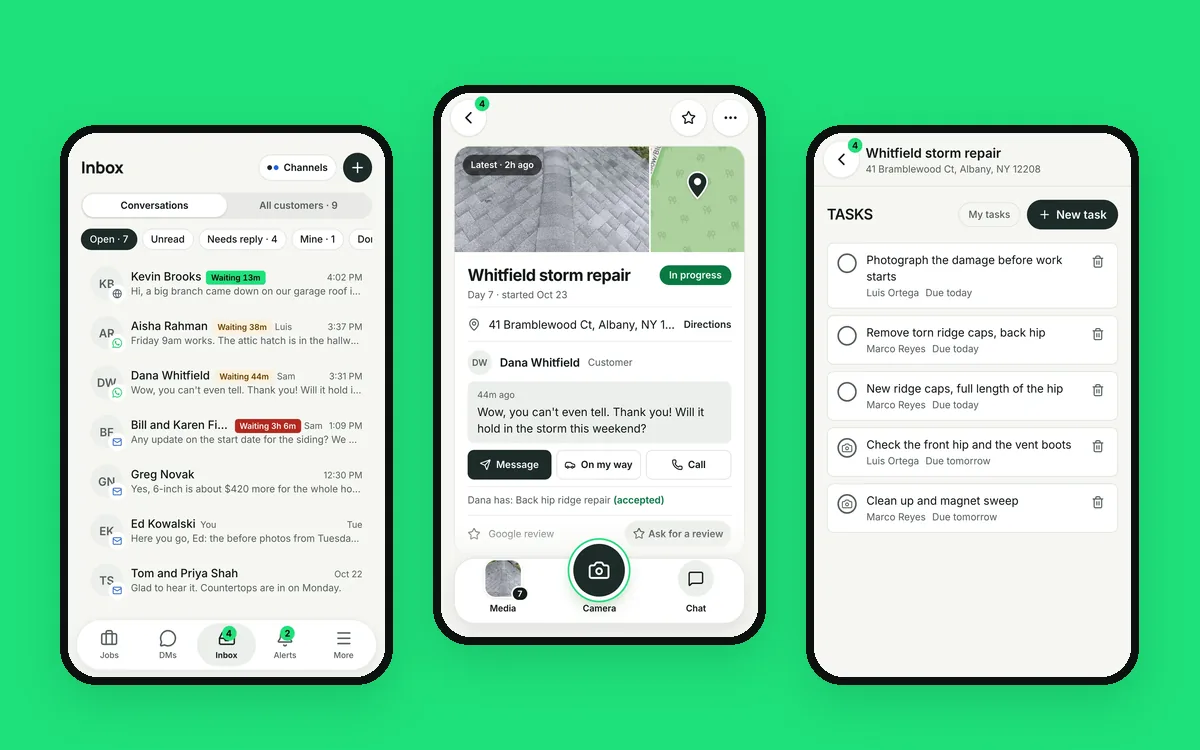
A list of what to shoot. Required shots from a checklist tick themselves off as you take them. Nobody leaves without the flashing photos.
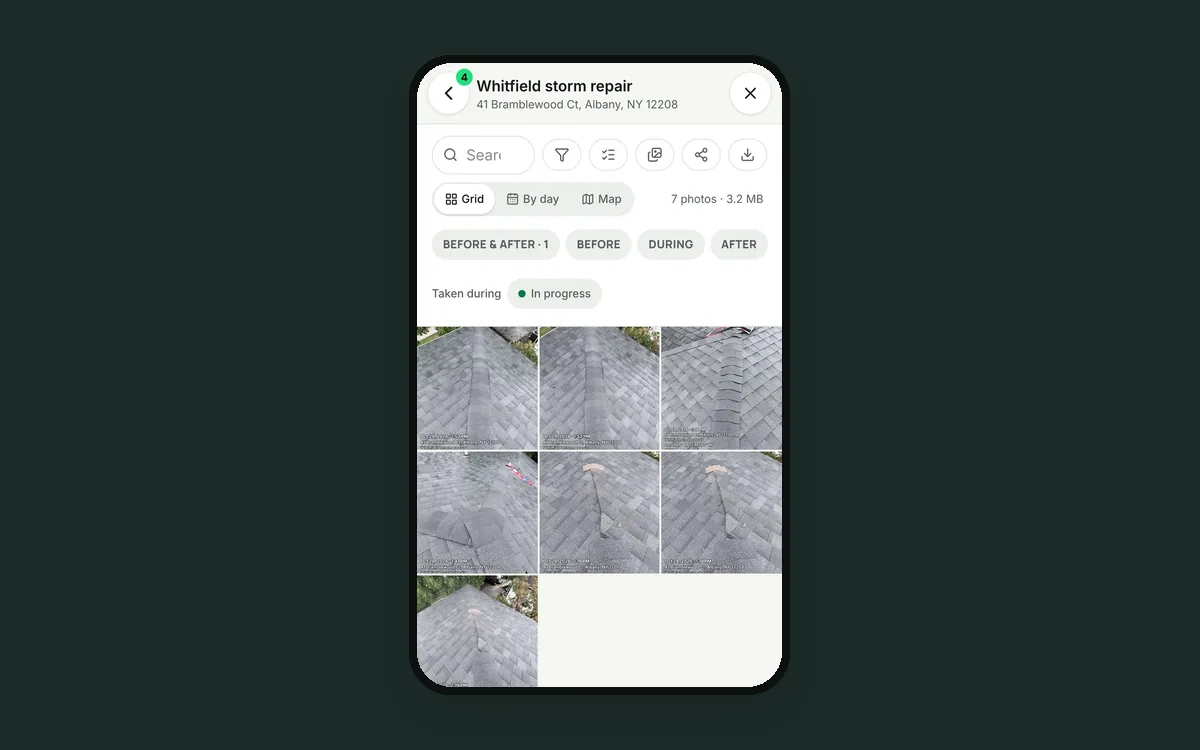
Before and after that line up. Pick the Before, and the camera shows it faintly on screen so you can match the same spot for the After. The two pair themselves.
Model and serial numbers. Scan a barcode or QR code on a water heater or AC unit, or type the numbers in.
Mark it up. Crop, rotate, draw, add arrows, lines, circles, boxes and text. Draw a measuring line and note the length. The clean original is always kept.
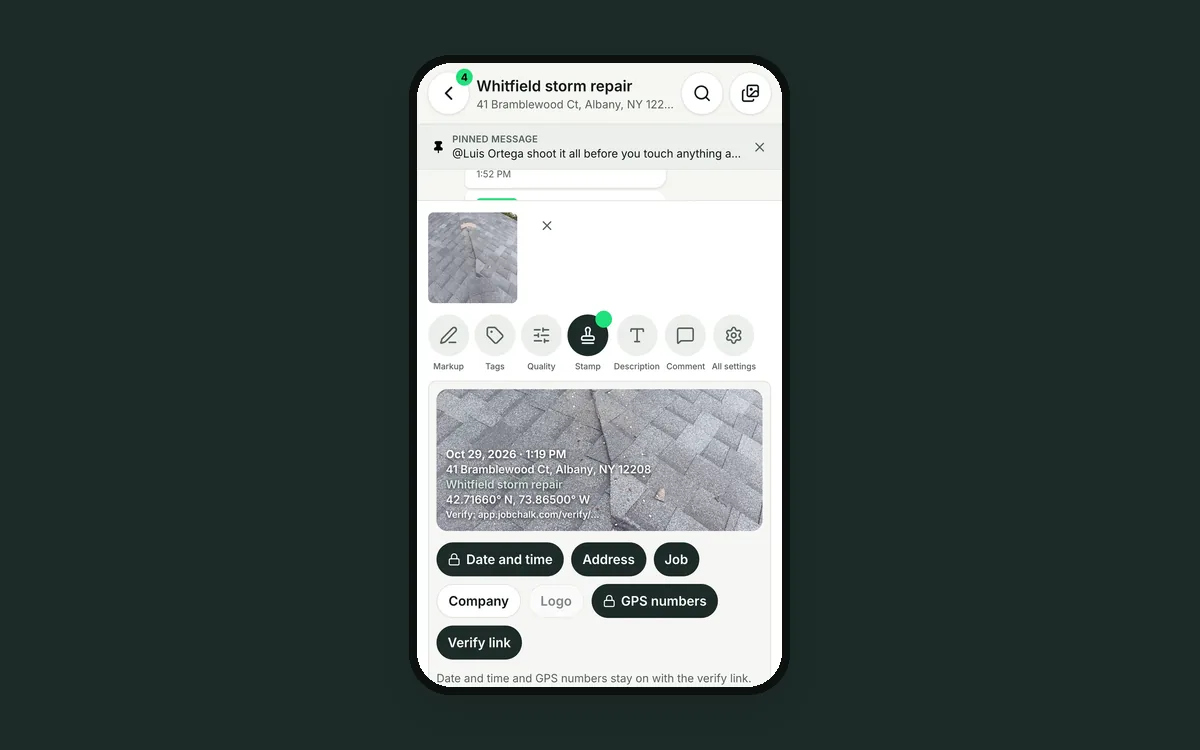
Proof on every photo. A stamp with the date, time, address, job, company, logo and GPS, plus a link anyone can open to check when and where it was taken. The owner can lock the stamp on.
Off the phone. Photos go to the job in the cloud, not to the camera roll, so phone storage stays free. With no signal, they wait on the phone and upload later. You pick the quality: Standard, HD or Max.
Better photos come from making the right photo the easy one.
 Stop chasing your crew for job photos
 A date stamp on a photo isn't proof. A verify link is.
 Six apps for one job is five too many