Blog · November 1, 2026
Know who's at which job, without tracking your crew
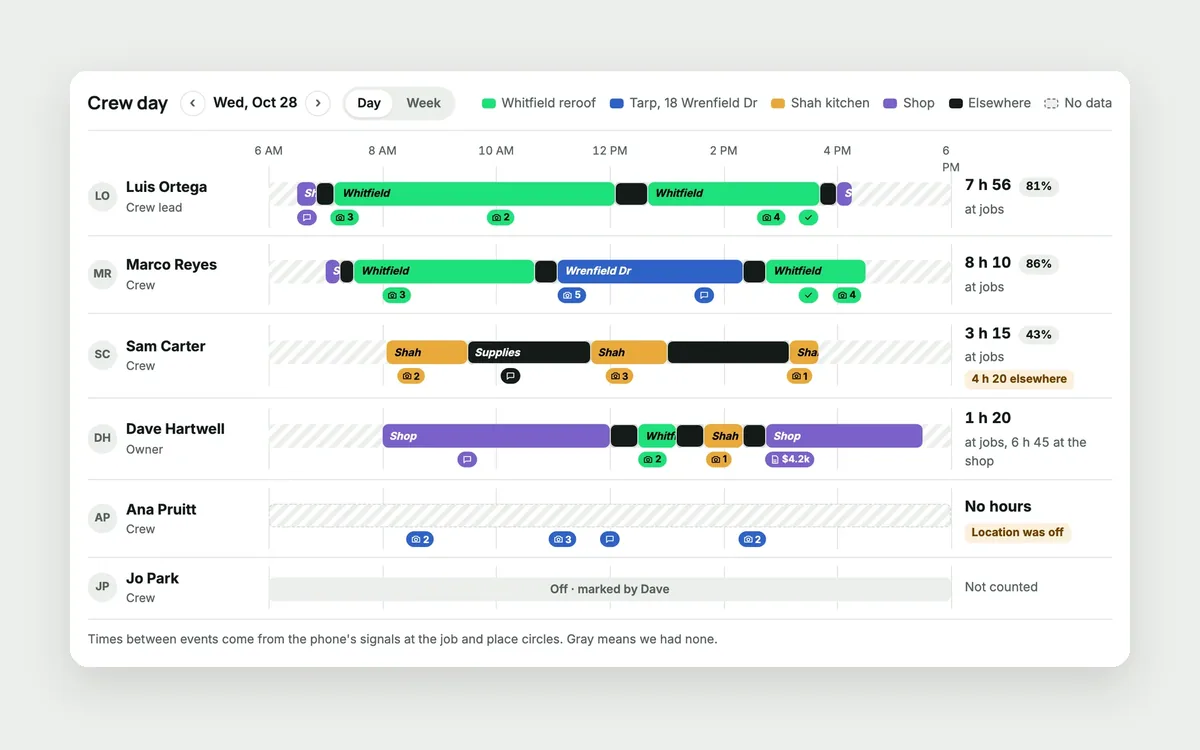
At 7:40 AM Dave drives to the Whitfield job to see if the crew started. Marco is there. Luis is at the supply house. The new guy shows up at 8:15. On Friday, every timesheet says eight hours, and Dave has no way to say otherwise.
He doesn't want to track his crew's every move. They'd hate it, and so would he. He just wants to know who was at which job, and for how long.
Why a time clock isn't enough
A basic time clock records hours, not jobs. It can't tell you that half of Tuesday went to the shop, or that someone clocked in from home. And GPS tracking apps go too far: they follow people all day, and good crews quit over it.
How JobChalk solves it
Clock in on site. One tap on the job. When the app is open at a job site, it offers "You're at Whitfield storm repair, clock in?" Automatic clock in and out at the job is also an option, if the worker turns it on.
Checked for you. Location is checked when someone clocks in or out. Off site or missing, it's flagged. Set target times per person, and late starts and early leaves are flagged too. The owner can also require a quick photo at clock in.
Clock review. Each day lists "Needs attention" first, then who hasn't clocked in. A missed clock in can be fixed by an admin, and every fix is logged with who changed it and when.
Timesheets. A weekly roster per person, with "Didn't show" when a scheduled worker never clocked in. Breaks come out of the hours. Overnight shifts land on the day they started. See hours per person or per job, and export to CSV for payroll.
Crew Day. Turn it on, and each person's day shows as a line, with a color for each job. It's built from what they actually did: clock ins, photos, job messages, finished tasks. The gaps stay gray. JobChalk doesn't guess.
The daily log fills itself in. The crew and their hours on each job's daily log come from the clock.
Privacy built in:
- No route tracking.
- Location is taken when someone clocks in or out or takes a job photo, not in between.
- Nothing off the clock.
- Crew see a notice that explains it the first time.
- Clock photos are private to the person and admins.
- Each crew member sees their own day. Admins see the jobs they run.
Dave can check the board from his truck at 7:40 instead of driving across town. And on Friday, the hours match the jobs.
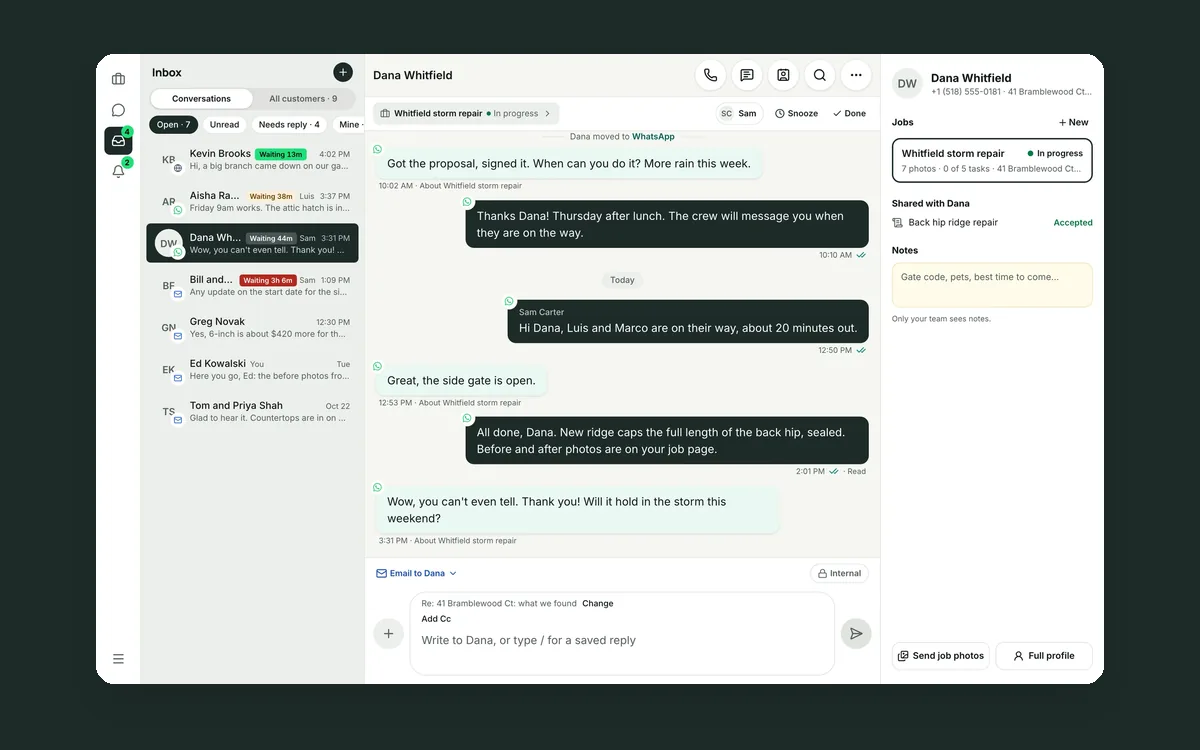 Your customer conversations belong to your company, not to a phone
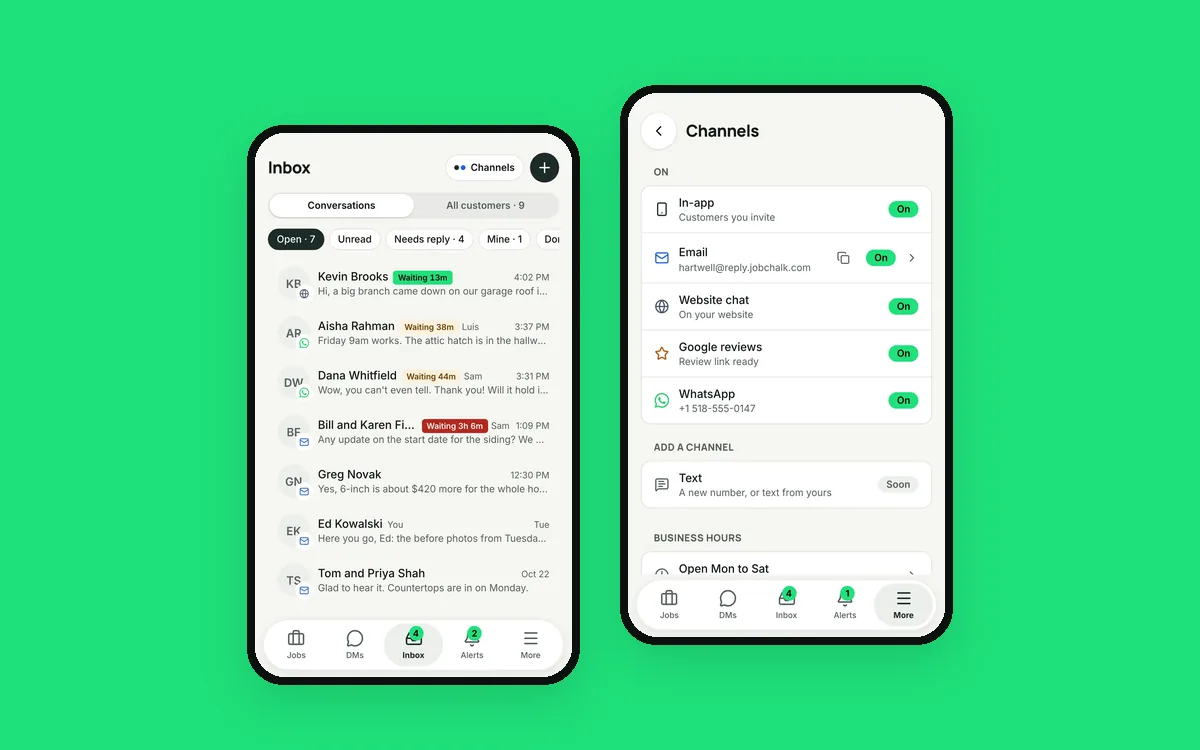 Your customers use six apps. Your team needs one inbox.
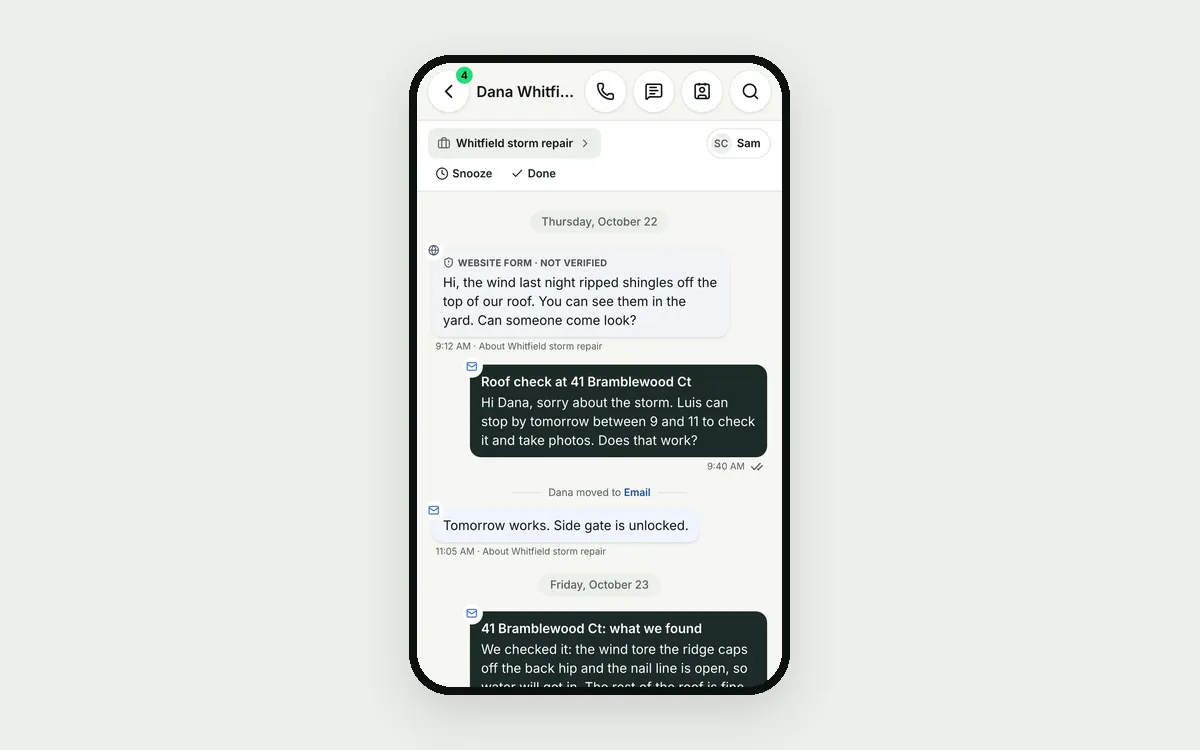 Your customer is talking to four different people