Blog · November 1, 2026
Why your WhatsApp reply to a customer didn't go through
Dana sends photos of her ceiling stain on WhatsApp on Monday morning. It's a busy week. Sam replies on Wednesday afternoon from the shared inbox tool the office uses, and the reply fails with an error nobody sees. Dana thinks you ignored her. She calls someone else.
Why it happens
WhatsApp has a rule for businesses that answer through business software, like a shared inbox. After a customer's last message, you have 24 hours to reply freely: any text, photos, videos, voice notes. After that window closes, a business can only send short messages WhatsApp has approved in advance.
Most crews don't know the rule exists. The ones who do still lose track of the clock, because nothing shows it. A busy day is all it takes to miss it, and the customer hears nothing.
How JobChalk solves it
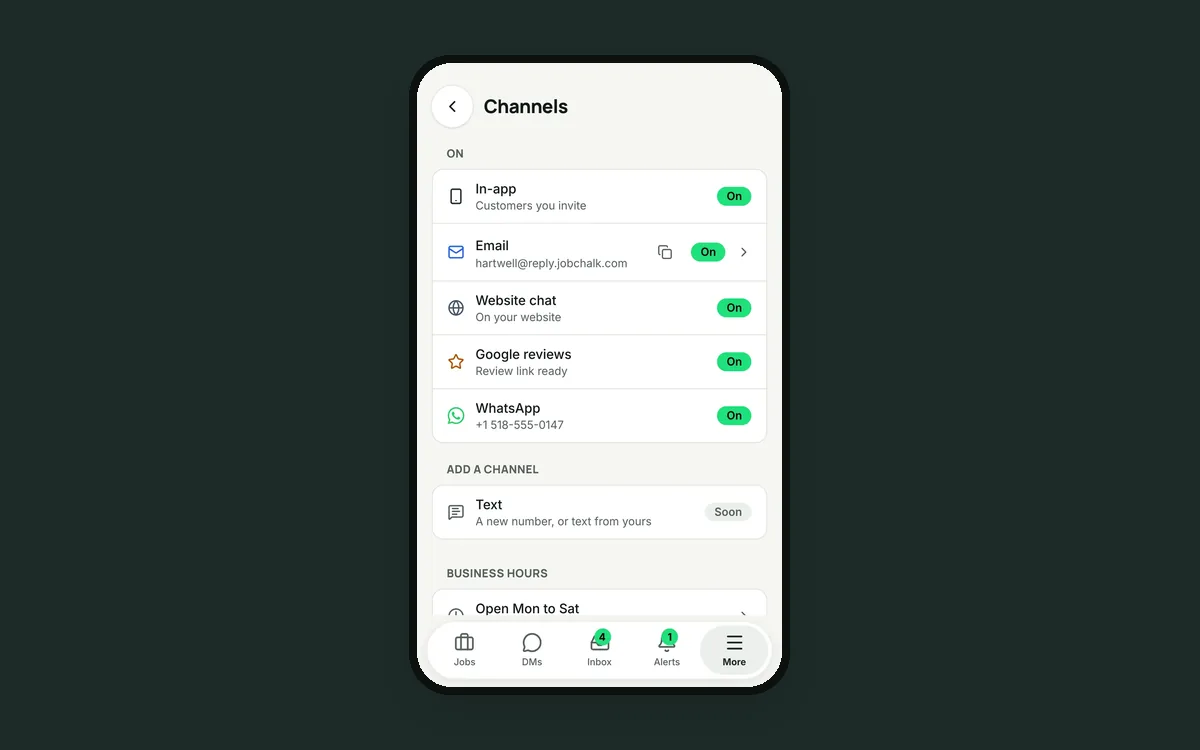
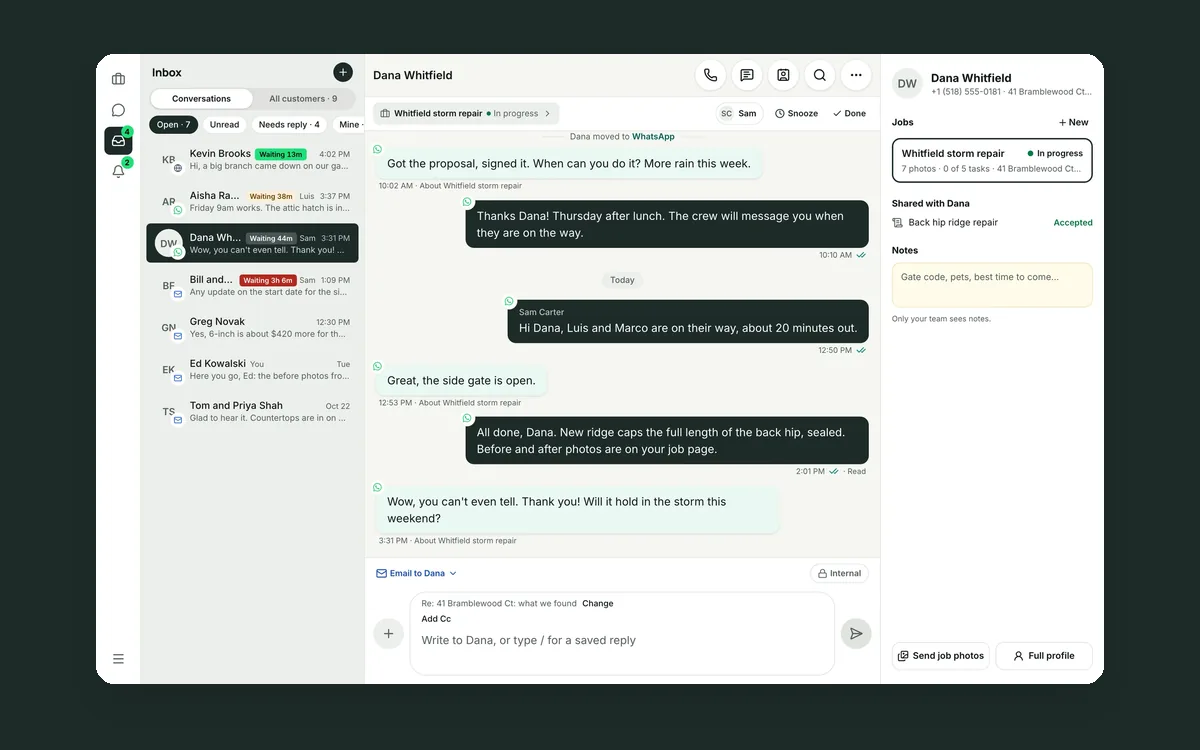
Dana's WhatsApp messages land in her conversation in the JobChalk Inbox, next to her texts and emails. Her photos and voice notes come in too. And JobChalk keeps the clock for you.
You always see the time left. When WhatsApp is the reply app, a clock sits next to it: "18h to reply." It turns amber under 2 hours.
The Inbox shows it too. A waiting customer reads "Closes in 24m," so the office knows who to answer first.
A warning before it closes. About an hour before an unanswered window closes, the right person gets an alert.
After it closes, you can still reach her. The message box explains what happened and shows exactly what Dana will get: an approved WhatsApp notice with your business name and your message. Tap "Send notice." There are ready notices for a visit reminder, a quote that's ready and "on my way."
The box changes with the rules. Inside the window you can send photos, videos, voice notes and files. Outside it, the box is text only, so nothing fails without you knowing.
You see what happened. Ticks show sent, delivered and read. If something fails, the reason is in plain words.
It respects the customer. If Dana replies STOP, JobChalk stops sending to her on WhatsApp, and START turns it back on. If a number isn't on WhatsApp, the reply menu says so, and you pick another app.
The window still matters. The best fix is answering fast, and JobChalk helps there too: every customer shows how long they've been waiting, and an alert goes out when someone waits too long. But when a busy week happens, the customer still hears from you.
 Your customer conversations belong to your company, not to a phone
 Your customers use six apps. Your team needs one inbox.
 Your customer is talking to four different people