Blog · November 1, 2026
Get your crew's job chat out of WhatsApp and group texts
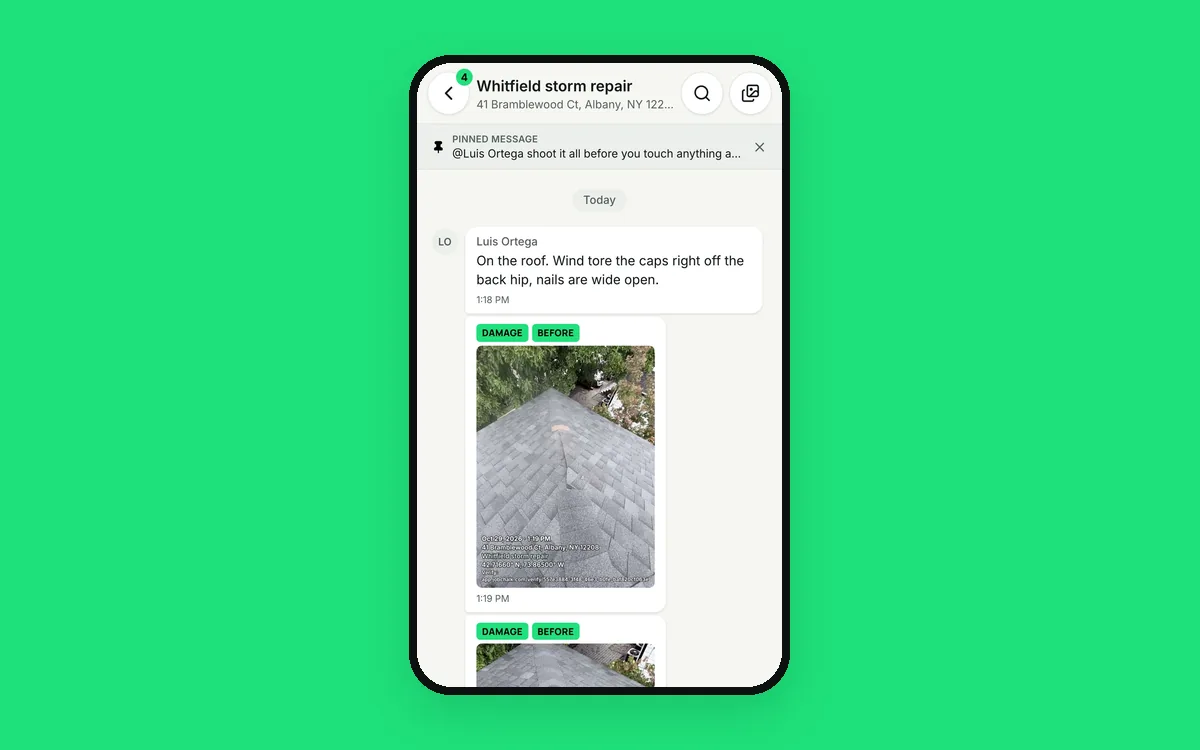
The crew group chat has 14 people and three jobs in it. Luis posts a photo of chimney flashing: "This one?" Nobody knows which house he means. Between his photo and Dave's answer are a birthday plan, a joke and a question about Saturday.
Then Luis gets a new phone and the chat history is gone. And the worker who quit in June is still in the group, reading every address and gate code.
What it costs
WhatsApp and group texts are free and everyone has them. But they were made for friends, not for running jobs.
- Jobs get mixed. One thread holds every job, so nothing is easy to find.
- Work and personal get mixed. Crews mute it, and miss the message that mattered.
- It lives on phones. Cleared, lost or replaced, and the history is gone.
- You have no control. You can't take history back from someone who left, and you can't tell who read what.
How JobChalk solves it
Every job gets its own chat. Text, photos, videos, files and voice notes for that job, in one timeline. Estimates and reports show up in it as cards with the total. Open the Whitfield job and you see only Whitfield.
For everything that isn't about one job, there are direct messages and small groups: Dave and Luis about tomorrow's schedule, or the office team about supplies.
It all belongs to the business. Messages are saved in the cloud, not on a phone. A new phone just means signing in again.
You decide who sees what. You add people to each job as admins, crew members, or watchers who can read but not post. Take someone off a job or off the team, and they lose access to it and its history that day.
The tools crews expect from a chat app are there:
- @mentions with an alert, even on a muted job.
- Replies that quote the message you're answering.
- Reactions, with the full emoji picker.
- "Read" and ticks, and a "Seen by" list for admins.
- Pins for the gate code or the start time.
- Edit or delete your message within an hour.
- Search one chat or every chat, and jump to the message.
- Offline sending. Messages wait and go out when you're back in signal.
- Mute any job you don't need to follow.
Chat turns into work, too. Open any photo and "Make a task from this photo": the task is assigned, the photo is attached, and the title starts from the photo's description. Forward a message to another job or to the customer when it belongs there.
Your crew chat stays separate from the customer's conversation, so the customer never sees the back and forth.
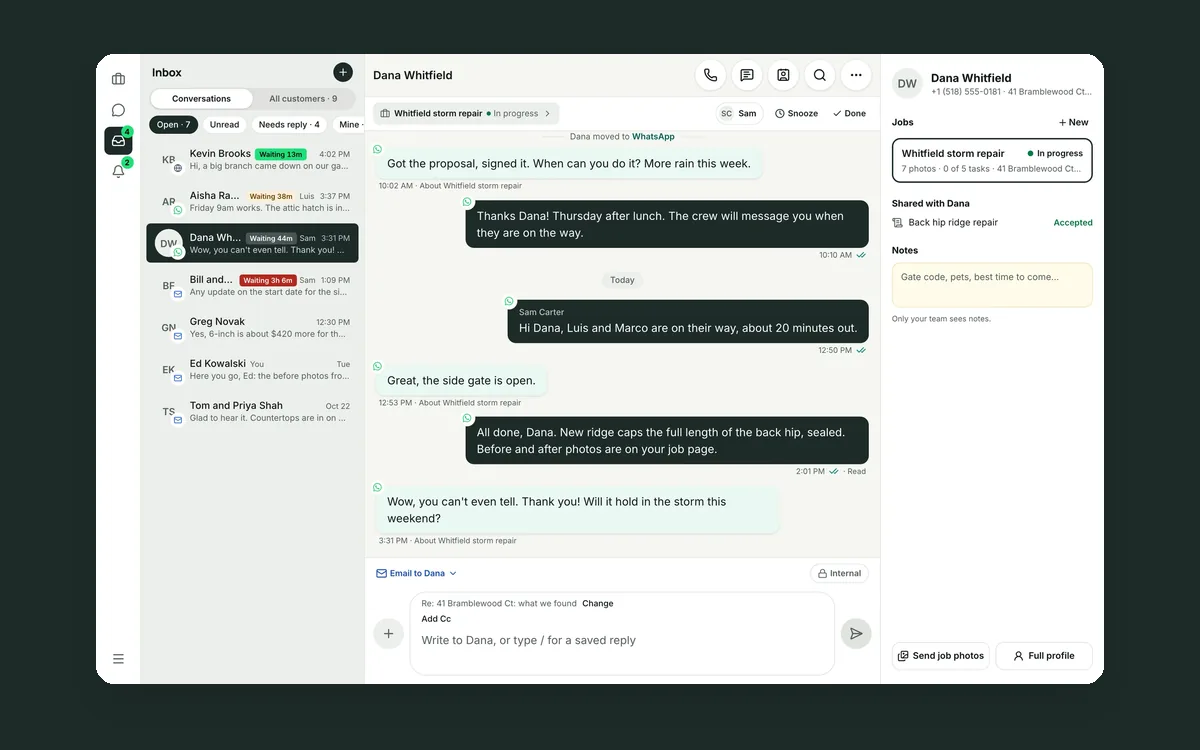 Your customer conversations belong to your company, not to a phone
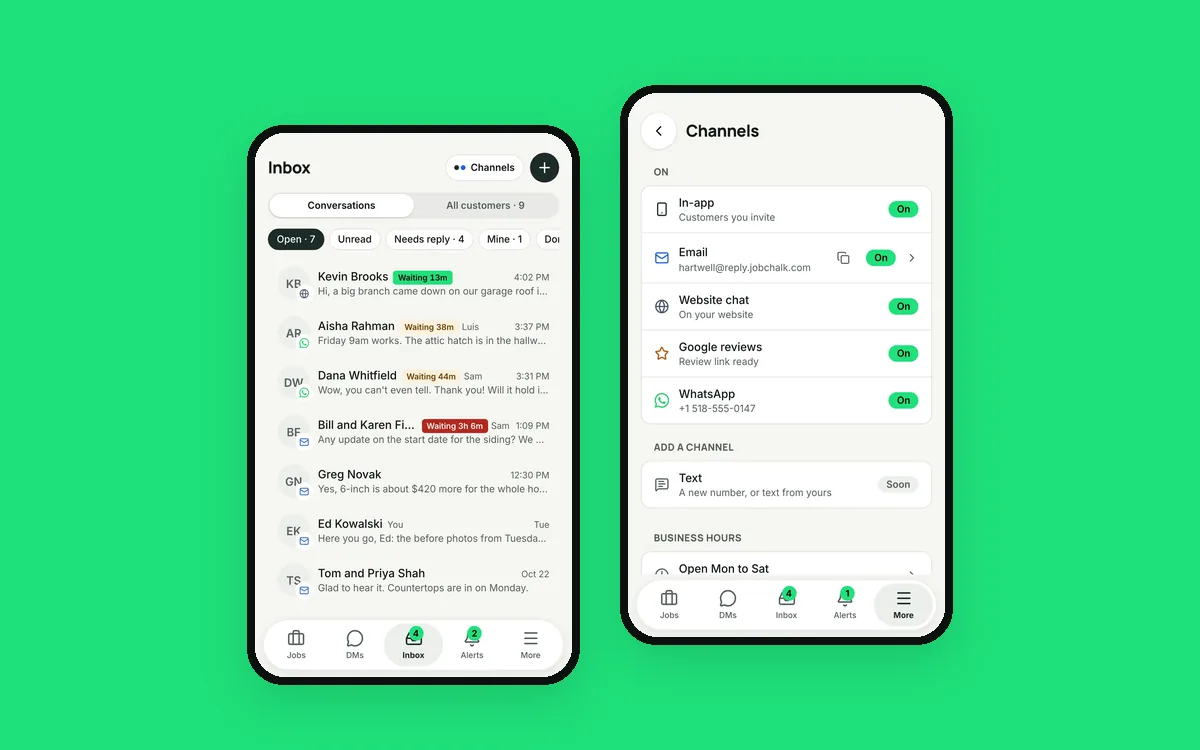 Your customers use six apps. Your team needs one inbox.
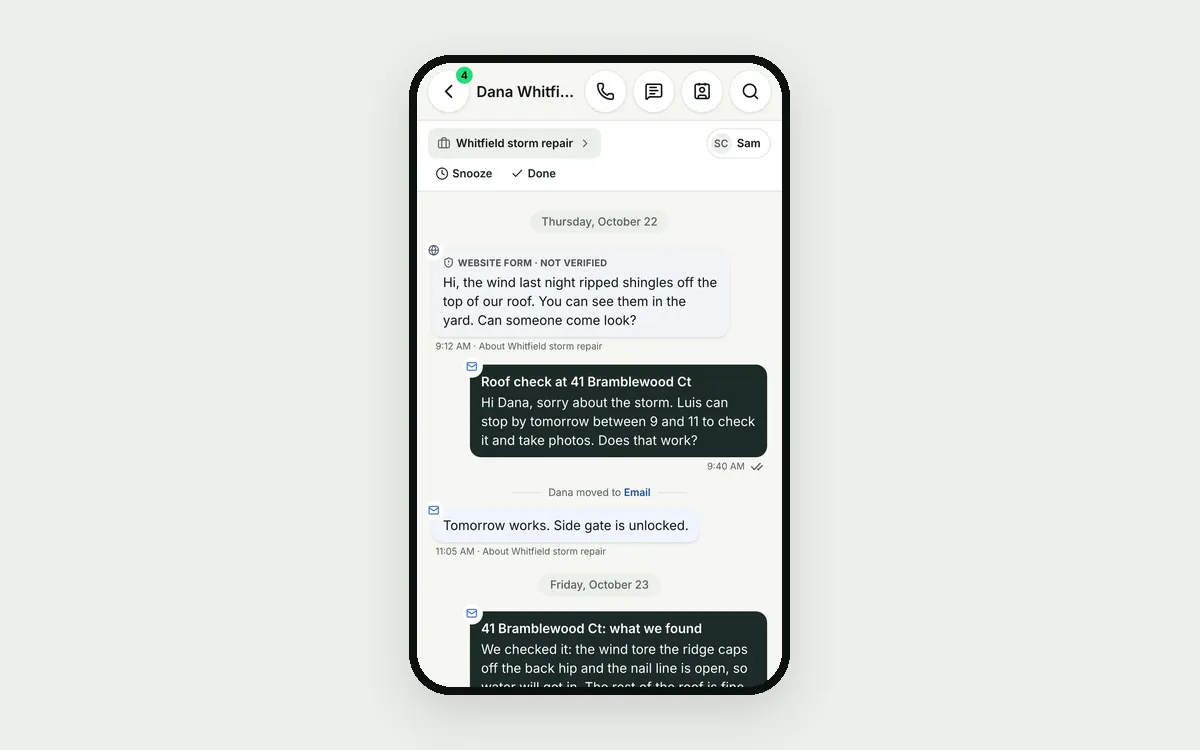 Your customer is talking to four different people